
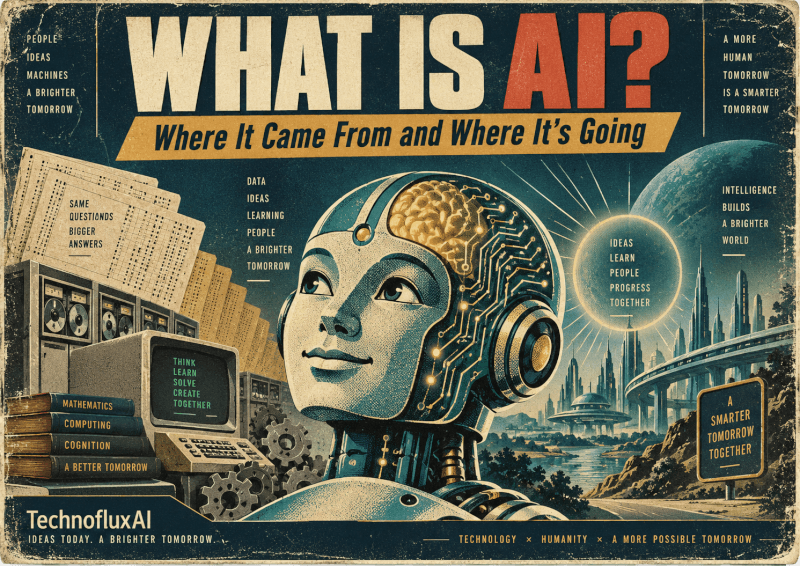
What Is AI? A Beginner’s Guide to Artificial Intelligence
Artificial intelligence is suddenly everywhere, but most explanations make it sound harder than it needs to be. You do not have to understand neural networks, machine learning models, or computer science to start using it. First, you just need to know what it does well, where it fails, and how to give it useful instructions.
Quick answer
AI, short for artificial intelligence, is software that can recognize patterns, make predictions, generate content, answer questions, analyze information, and help people complete tasks. It is not a person, a brain, or a magic machine. Instead, think of it as a tool that uses data and instructions to produce useful outputs.
I have been creating art, music, and other projects for about 50 years. That gives me a funny perspective on all this new technology noise.
I remember the process of using oil paints, tape, reel-to-reel recorders, new art tools, newer paints, and whatever strange creative gadget came next. I also remember watching that guy on Channel 6 painting trees: one here, one there, and suddenly there was a whole scene.
Then the Mac came out. After that came MacPaint, digital recorders, PCs, Adobe, Flash, and a whole new way of making things. Programming moved from assembly language to C++ and beyond. Every new tool felt strange at first, but every one of them changed what people could make.
And here we are again.
So what is AI? We may as well start at the basics: where artificial intelligence started, what it is now, and where it seems to be going.
The simple version
Artificial intelligence is computer software that can do tasks that usually require some kind of human judgment, language, pattern recognition, or decision-making.
The practical version
For most beginners, these tools can help with writing, research, brainstorming, planning, coding, images, summaries, analysis, and repetitive work.
The honest version
This technology can be useful, but it can also be wrong, biased, outdated, confusing, or too confident. You still need human judgment.
Where Did Artificial Intelligence Start?
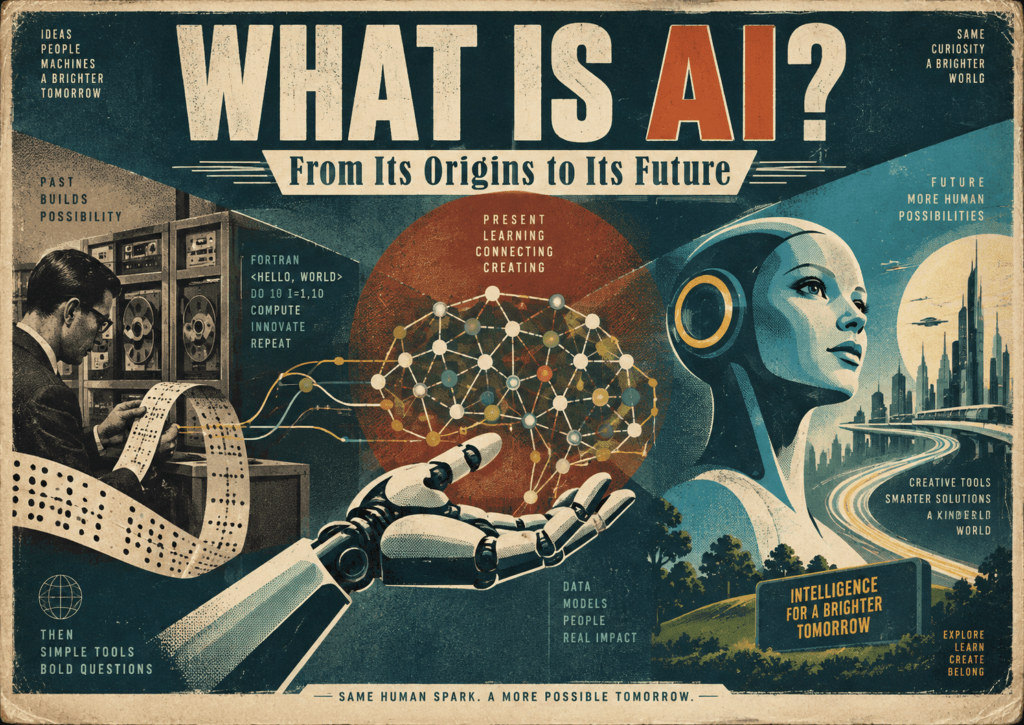
The idea of machines acting intelligently is older than modern computers, but the phrase “artificial intelligence” is usually connected to a 1956 research workshop at Dartmouth College. That is where the field became a formal area of study.
Early systems were not ChatGPT. They included chess programs, logic systems, pattern recognition, expert systems, speech recognition, and computer programs built to solve narrow problems. The big change today is access. Modern tools can talk with us in normal language, generate images, write code, summarize documents, and connect to other software.
TechnofluxAI note
The mistake is thinking this appeared out of nowhere. It did not. What changed is access. Artificial intelligence moved from labs, servers, and developer tools into everyday chat boxes, phones, browsers, design apps, and business workflows.
What Generative AI Is
Generative AI is the type of artificial intelligence most people are talking about right now. It can create something new from a prompt: text, images, music ideas, video concepts, code, outlines, summaries, product descriptions, emails, lesson plans, and more.
A prompt is simply the instruction you give it. For example, you might ask, “Explain this in plain English,” “Turn these rough notes into a clean blog intro,” or “Give me five ideas for a beginner-friendly YouTube video.”
AI vs. ChatGPT: Are They the Same Thing?
No. Artificial intelligence is the big category, while ChatGPT is one tool inside that category.
Think of it like “music software” and “GarageBand.” GarageBand is one music tool, not the whole category. In the same way, ChatGPT is one assistant, while the broader field includes chatbots, image generators, recommendation systems, search tools, voice assistants, translation tools, fraud detection systems, medical imaging tools, robotics, automation, and much more.
Why Do We Need Data Centers?
Artificial intelligence feels light because you type into a box and get an answer back. Behind the scenes, however, it takes serious computing power.
Data centers make that possible. These buildings hold servers, networking equipment, storage, cooling systems, backup power, and security. When someone asks a tool to summarize a document, generate an image, analyze a spreadsheet, or write code, the work happens on powerful computers somewhere else.
For regular people, that setup removes the need to own expensive hardware. However, there is a tradeoff. These facilities use electricity, water for cooling in some locations, land, hardware, and grid capacity. Those real-world costs are one reason people worry about this technology.
Balanced view
Artificial intelligence can help people work faster, learn faster, create faster, and automate boring tasks. At the same time, the infrastructure is real, the energy use matters, and the environmental questions deserve honest attention. A useful conversation should include both the benefits and the costs.
What Can It Do Right Now?
For beginners, the most useful artificial intelligence tasks are not futuristic. Most are ordinary jobs you already do, just faster or with better structure.
Common beginner uses
Writing help
Draft emails, clean rough notes, rewrite captions, outline posts, and improve clarity.
Learning help
Explain topics in plain English, create study guides, quiz you, and simplify confusing ideas.
Creative help
Brainstorm art ideas, song concepts, story worlds, video hooks, thumbnails, and brand directions.
Workflows
Turn messy processes into checklists, templates, SOPs, calendars, and repeatable systems.
Analysis
Summarize long text, compare options, find patterns, and explain documents.
Coding support
Explain code, write small snippets, debug errors, and help non-coders understand what is happening.
Where It Still Fails
These tools are not good at everything. Sometimes they sound confident while being wrong. They can also miss context, misunderstand your goal, repeat generic advice, or invent details when reliable information is missing.
Beginner warning
- Do not trust a chatbot blindly with legal, medical, financial, or safety decisions.
- Check current prices, rules, features, or news with reliable sources.
- Verify generated facts before publishing them.
- Keep your own judgment, taste, and experience in the process.
Why It Sometimes Makes Things Up
When people say a chatbot “hallucinates,” they mean it generated an answer that sounds believable but is wrong. One reason this happens is that many generative systems are built to predict likely words, images, code, or patterns. Truth is not something they experience the way a human does.
A sentence can look right because it matches patterns the system has seen before. That still does not mean the answer is verified. Therefore, good use always includes checking important facts.
Is It Actually Thinking?
Not in the human sense.
Artificial intelligence can follow instructions, compare ideas, reason through patterns, and produce surprisingly useful answers. Still, it does not have your memories, senses, childhood, taste, lived experience, or responsibility. Imitating parts of thinking is not the same as being a person.
That distinction matters. Instead of treating these tools like geniuses, use them like powerful assistants that need direction, review, and correction.
Do You Need to Know Coding?
No. Coding helps if you want to build tools, apps, automations, websites, or custom systems. However, beginners can still use artificial intelligence with plain English.
Ask it to explain a topic, clean up a paragraph, brainstorm a name, build a checklist, create a meal plan, plan a trip, summarize notes, or help you understand a confusing email. Coding is not required to start. Clear instructions matter more at the beginning.
5 Useful Ways a Beginner Can Start Today
Paste your messy notes and ask the tool to make them clearer while keeping your voice.
Ask for a plain-English explanation, then request examples, mistakes, and a beginner checklist.
Use artificial intelligence to turn an idea into steps, deadlines, tools, risks, and a simple first action.
Ask for art concepts, blog titles, video angles, product ideas, scene prompts, or music themes.
Let the software help you create checklists, templates, prompts, content calendars, and step-by-step systems.
A Simple First Prompt to Try
Start with something personal and practical. Do not try to master artificial intelligence in one sitting.
Explain artificial intelligence to me in plain English.

Assume I am a complete beginner.

Use simple examples from everyday life.

Then give me:
1. Five things it can help me do
2. Three things it is bad at
3. One safe beginner project I can try today
How to Fact-Check the Answers
These tools can help you move faster, but they should not be your final source for important claims. Use this simple checking process before you trust or publish an answer.
Beginner fact-checking checklist
- Ask what claims need verification.
- Check official sources first when possible.
- Look for dates on articles, documentation, pricing pages, and product announcements.
- Compare at least two reliable sources for important claims.
- Be extra careful with health, money, law, safety, politics, and current events.
- Finally, remove anything you cannot verify before publishing.
Free Tools Worth Starting With
Free plans and free access can change, so check each official site before publishing a tool list. For a beginner, the best starting point is usually one general assistant, one search-focused tool, and one image or design tool.
General assistant
Start with tools like ChatGPT, Gemini, Claude, or Microsoft Copilot. Use them for writing, planning, learning, and brainstorming.
Search assistant
Use a search-focused tool when you want answers with sources, links, and current information.
Creative tools
Try image, design, video, or music tools when you want to explore ideas visually or creatively.
What Are Agents?
Agents are the next step beyond simple chat. A regular chatbot answers your message. An agent can take steps toward a goal.
For example, a chatbot might tell you how to organize a research project. An agent might help gather sources, summarize them, create a draft outline, build a checklist, and prepare the next task. Some systems can connect to tools, browse pages, work with files, or automate steps.
That sounds powerful because it is. It also means you need more caution. The more artificial intelligence can do on your behalf, the more you need clear limits, review steps, permissions, and human approval.
What Comes After Chatbots?
Chatbots are only one phase. The next wave is artificial intelligence inside normal software: writing tools, browsers, design apps, spreadsheets, email, search engines, coding tools, customer support systems, phones, glasses, cars, robots, and business dashboards.
The future probably will not feel like “going to a chatbot website” every time. Instead, it will feel more like smart help showing up inside the tools you already use. That is why beginners should learn the basics now. Not because the technology is perfect, but because it is becoming part of the creative and business toolbox.
FAQ
What is AI in one sentence?
AI is software that can recognize patterns, generate answers, make predictions, and help complete tasks that usually require human-like judgment.
Is ChatGPT the same as artificial intelligence?
No. ChatGPT is one assistant. Artificial intelligence is the larger category that includes many tools and technologies.
Can it replace creativity?
It can help with creative work, but it does not replace taste, judgment, lived experience, or the reason you are making something.
Why are people negative about it?
People worry about jobs, privacy, misinformation, copyright, bias, scams, energy use, and losing the human part of creative work. Those concerns are not silly. The better answer is responsible use, not blind hype.
Should beginners use these tools?
Yes, but start small. Use them for low-risk tasks like brainstorming, rewriting, summarizing, planning, and learning. Also, verify important facts before acting on them.
Final takeaway
Artificial intelligence is not magic, and it is not just hype. It is another major creative and technical tool in a long line of tools that changed how people make things. Oil paint changed art. Tape machines changed music. Computers changed design. The web changed publishing. Now this new wave is changing how we think, draft, research, automate, and create.
The smart move is not to worship it or fear it blindly. Learn the basics, test it on real tasks, check the facts, keep your human judgment in the loop, and use the technology where it actually helps.