
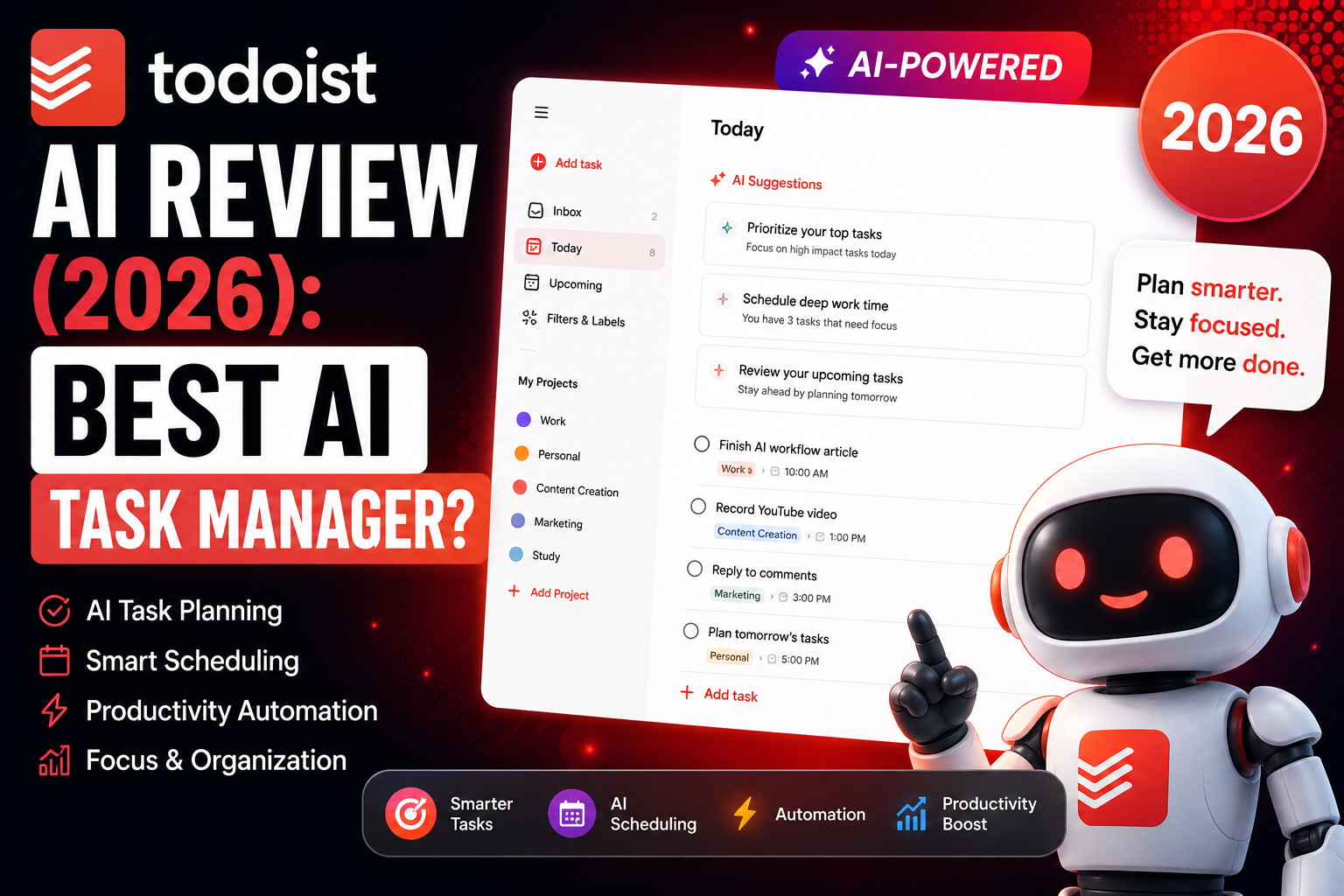
TODOIST • 2026 REVIEW
Todoist is best for people who want a fast, lightweight task manager without the complexity of a larger project-management platform. It focuses on task capture, recurring schedules, reminders, project organization, and simple productivity workflows.
Quick Answer
Todoist is a strong fit for creators, freelancers, students, remote workers, and small teams that want clean task management and recurring workflows. ClickUp offers a broader and more customizable workspace, while Motion focuses more heavily on automated scheduling and calendar planning.
What Is Todoist?
Todoist is a cloud-based task and productivity platform designed to help users organize projects, deadlines, recurring work, reminders, and everyday workflows.
The platform supports:
- task and project management
- recurring due dates and reminders
- natural-language task entry
- team collaboration
- calendar integrations
- cross-platform syncing
- templates and reusable workflows
- automation through integrations
Todoist works across desktop, mobile, browser, and tablet devices, which makes it useful for people who need to capture and manage tasks from different places.
Why Todoist Still Appeals to Creators
One reason Todoist remains useful is that it does not try to turn every productivity problem into a giant workspace.
Its strengths are straightforward:
- clean interface
- fast task entry
- natural-language scheduling
- recurring tasks
- low learning curve
- solid mobile access
- calendar integrations
- simple daily workflow management
That makes it especially attractive for creators, bloggers, freelancers, students, remote workers, and small business owners who mainly need to keep work moving without building a complicated system first.
Todoist Features That Matter Most
Natural-Language Scheduling
Todoist makes task entry faster by letting you type dates and recurring schedules in plain language.
Examples:
- Publish YouTube video every Friday at 4 PM
- Call client tomorrow morning
- Review SEO workflow next Monday
Recurring Tasks
Recurring tasks are one of Todoist’s most useful features for creators because many content and business workflows repeat on a schedule.
You can use recurring tasks for:
- weekly publishing
- monthly content audits
- internal-link checks
- social scheduling
- client follow-ups
- newsletter production
Templates and Reusable Workflows
Templates can help turn a repeated process into a checklist instead of rebuilding the same task structure every time.
For a creator, that could mean templates for:
- SEO article production
- content planning
- YouTube production
- social media publishing
- email campaigns
- content refreshes
Todoist vs Motion
Todoist and Motion both help people organize work, but they approach productivity differently.
| Area | Todoist | Motion |
|---|---|---|
| Core strength | Simple task management | Automated scheduling |
| Setup | Lightweight | More calendar-driven |
| Best for | Tasks, recurring work, simple workflows | Time blocking and automatic planning |
Todoist makes more sense if you want direct control over your tasks. Motion is a better fit if you want the software to do more of the scheduling for you.
Todoist for Bloggers and SEO Workflows
Todoist can work well for SEO and content workflows when you want a simple system instead of a full project-management workspace.
Possible uses include:
- publishing calendars
- content planning
- internal-link tasks
- SEO audits
- content refresh reminders
- Pinterest or social scheduling
- AI prompt or research follow-ups
Automation and Integrations
Todoist can connect with other services to extend what happens after a task is created or completed.
Depending on your setup, you can connect Todoist with tools such as Google Calendar, Gmail, Slack, Zapier, and other workflow apps.
Practical advice:
Start with recurring tasks and a few useful integrations before building a large automation system. If Todoist becomes harder to maintain than the work itself, the setup is too complicated.
Todoist Pros and Cons
Pros
- simple interface
- fast task entry
- strong recurring-task system
- natural-language scheduling
- good fit for solo creators and freelancers
- cross-device access
- focused on everyday productivity
Cons
- less visual project management than larger platforms
- fewer dashboard-style options than ClickUp
- not built around automatic calendar planning like Motion
- less suited to complex enterprise workflows
Who Should Use Todoist?
Todoist is a strong fit for people who want organization without a lot of setup.
It can work especially well for:
- bloggers
- YouTubers
- freelancers
- remote workers
- students
- creators
- SEO professionals
- small business owners
Frequently Asked Questions
Is Todoist an AI productivity tool?
Todoist is primarily a task-management and productivity platform. It also includes AI-assisted features and can connect with automation tools, but its main strength is still fast and simple task organization.
Is Todoist better than Motion?
Todoist is the better fit if you want simple task management and recurring workflows. Motion is the better fit if automated scheduling and calendar planning are the main reason you are choosing a productivity tool.
Can Todoist help with SEO workflows?
Yes. Todoist can be used to manage publishing schedules, content updates, SEO audits, internal-link tasks, and other recurring content work.
Does Todoist support automation?
Todoist can connect with automation and productivity services, including calendar, email, and workflow tools, depending on the integration you use.
Is Todoist worth using in 2026?
It can be if you want a lightweight task manager and do not need a large all-in-one workspace. The value depends on whether simplicity is more important to you than advanced project-management features.
Final Takeaway
Todoist’s biggest advantage is not that it tries to do everything.
Its advantage is that it makes it easy to capture tasks, schedule recurring work, organize projects, and keep daily work moving without building a complicated productivity system first.
If you need dashboards, deep customization, and broader team workflows, ClickUp may be a better fit. If you want automated time blocking and calendar planning, Motion may make more sense.
If you mainly want a clean, fast task manager that stays out of the way, Todoist remains a strong option.
Related TechnofluxAI Guides
One Thing I have Learned while building TechnofluxAi is that Ai tools usually sound easier to use than they are in the real world. I like to try things myself, see where I get stuck, and figure out what actually saves time instead of just repeating promisies.That’s the approach I use throughout this site: keep what works, point out what doesn’t, and explain things in a way that makes sense for someone who is still learning. I started out searching for an image creator. That was my first interaction with Ai. I was frustrated by the vast tool list without any real direction on which tool was best. Then I realized how powerful this tool was .and was going to be in the future. Making mistakes has helped me in the choice of articles I write.