

Estimated reading time: 7 minutes
Project management is changing fast, and automation is now one of the biggest reasons teams are choosing Trello in 2026. From AI-powered task management to automatic reminders, workflow triggers, recurring checklists, and productivity integrations, Trello automations can save hours every week.
Whether you’re a creator, freelancer, startup, remote worker, or business owner, automating repetitive tasks inside Trello helps you stay organized without manually managing every small action. Instead of dragging cards around all day, modern Trello automations can move tasks, assign members, trigger notifications, generate reports, and even connect with AI tools automatically.
In this guide, we’ll look at the best Trello automations in 2026, how they work, and which automations are actually worth using for productivity, content creation, marketing, and business workflows.
Quick Answer
The best Trello automations for most beginners are Butler rules, recurring cards, due-date reminders, automatic assignments, and simple Zapier integrations. Start with one repetitive task, test the rule on a small board, and add more automation only after the workflow is reliable.
If you run a small business, see these practical Trello automation ideas for small business owners for lead tracking, client onboarding, content planning, and follow-up workflows.
What Is Trello Automation?
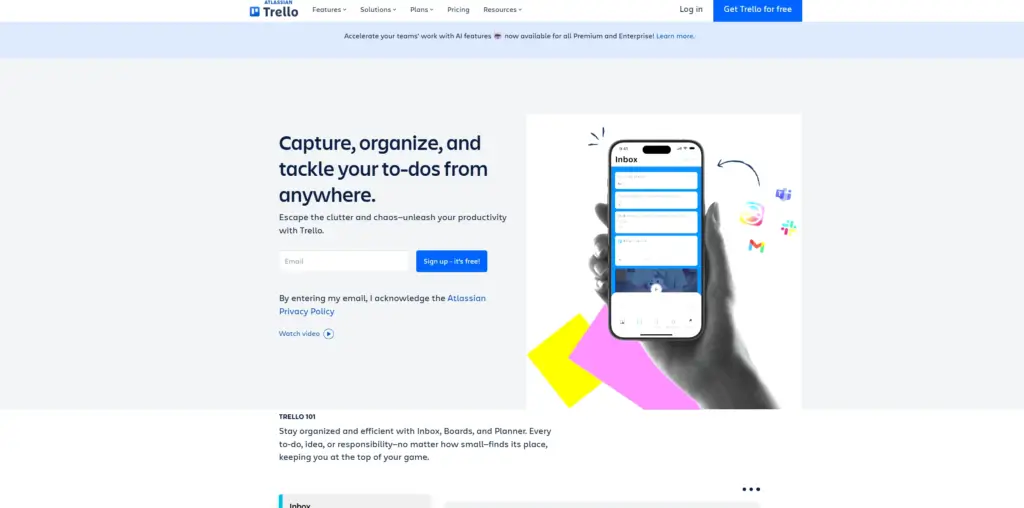
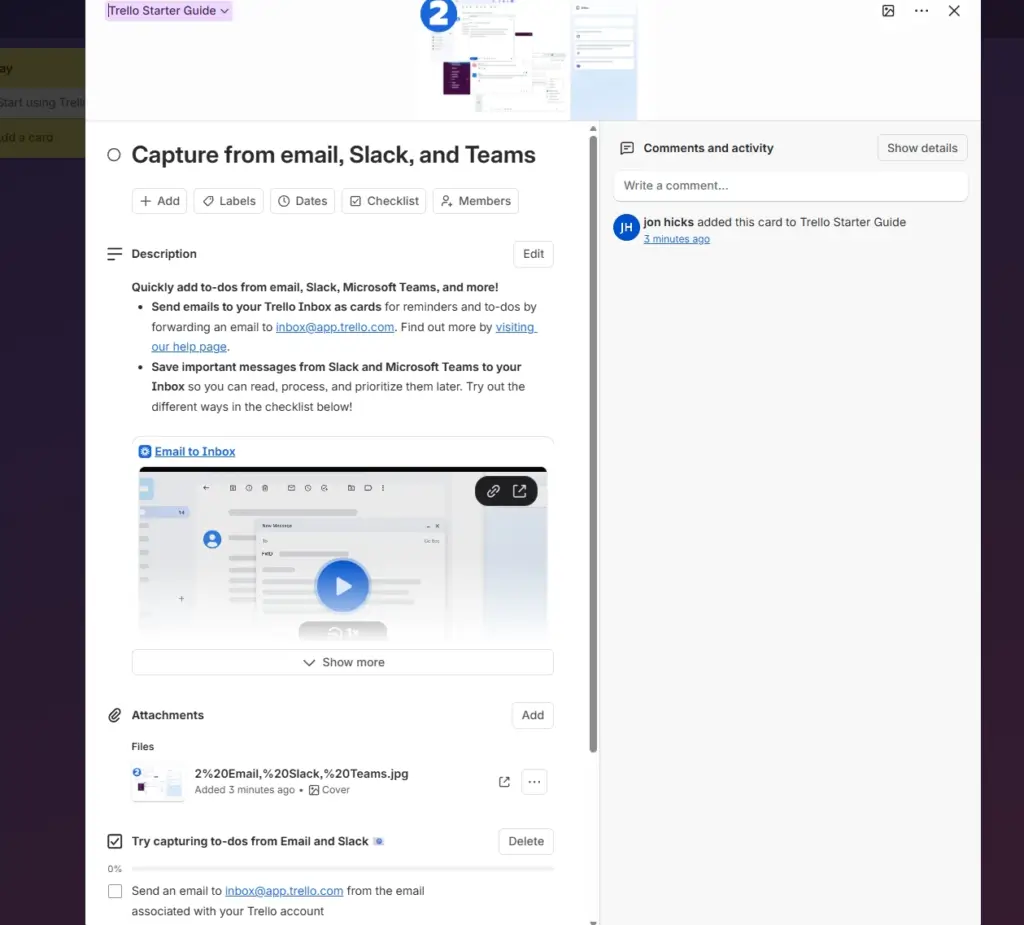
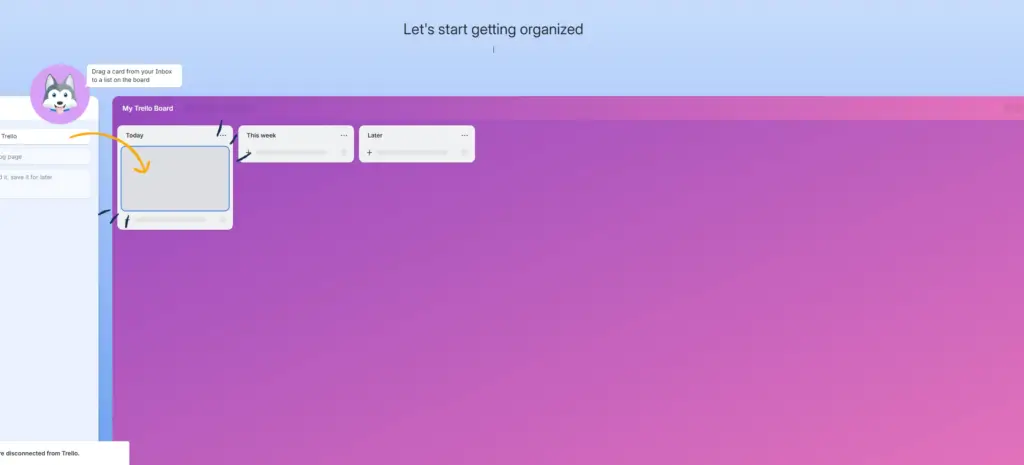
Trello automation allows users to create rules and workflows that automatically perform actions inside boards and projects. Instead of manually updating tasks, Trello can react to triggers automatically.
For example:
- Move cards when tasks are completed
- Send reminders before deadlines
- Assign teammates automatically
- Create recurring tasks
- Connect with Slack, Google Drive, or Zapier
- Trigger AI workflows
The main automation system inside Trello is called Trello Butler, but many users also connect Trello with automation platforms like Zapier, Make, and AI tools.
Why Trello Automations Matter in 2026
Automation is becoming one of the biggest productivity advantages for modern teams. Businesses no longer want project boards that only store tasks — they want systems that actively manage workflows.
The best Trello automations can help:
- Reduce repetitive work
- Improve team collaboration
- Prevent missed deadlines
- Organize content calendars
- Speed up approvals
- Automate client onboarding
- Build AI-assisted workflows
As AI productivity tools continue growing, Trello automation is becoming more powerful for creators, agencies, startups, and remote businesses.
Best Trello Automations in 2026
1. Butler Rules Automation
The built-in Butler automation system remains one of the best Trello features in 2026.
With Butler, users can create automation rules such as:
- When a due date arrives → move card
- When checklist is complete → mark task done
- When label added → assign teammate
- When card moves → send notification
This is one of the easiest ways to automate Trello without coding.
Best For:
- Beginners
- Small teams
- Content creators
- Social media workflows
2. Zapier + Trello Automations
Zapier is one of the most powerful Trello automation tools available.
Using Zapier allows Trello to connect with thousands of apps including:
- Gmail
- Slack
- Notion
- Google Sheets
- Discord
- ChatGPT tools
- CRMs
Popular automations include:
- Create Trello cards from emails
- Send Slack alerts when tasks change
- Generate content workflows automatically
- Add leads from forms into Trello
Best For:
- Agencies
- Marketing teams
- AI workflows
- Business automation
For more ready-to-use workflows, compare these Zapier automation examples for small businesses and the broader guide to AI automation tools that save time.
3. AI Content Workflow Automation
AI content creation is becoming one of the most popular Trello uses in 2026.
Creators now automate entire publishing pipelines using Trello boards connected to AI writing tools, image generators, and scheduling apps.
Example workflow:
- Blog idea added
- AI generates outline
- Writer assigned automatically
- Images generated
- Social posts created
- Article moved to publishing stage
This creates a complete AI-powered content system.
Best Tools for This
- ChatGPT
- Notion
- Zapier
- Canva
4. Recurring Task Automation
One of the simplest but most effective Trello automations is recurring task creation.
This helps automate:
- Weekly meetings
- Content schedules
- Social media posting
- Payroll reminders
- Client follow-ups
- Team check-ins
Instead of rebuilding the same tasks repeatedly, Trello can automatically recreate them.
Why It Matters
Recurring automations reduce mental overload and improve consistency across projects.
5. Deadline Reminder Automation
Missed deadlines hurt productivity.
Trello reminder automations can:
- Notify users before deadlines
- Send Slack reminders
- Add urgency labels
- Move overdue cards
- Alert managers automatically
This is especially useful for remote teams and freelancers managing multiple projects.
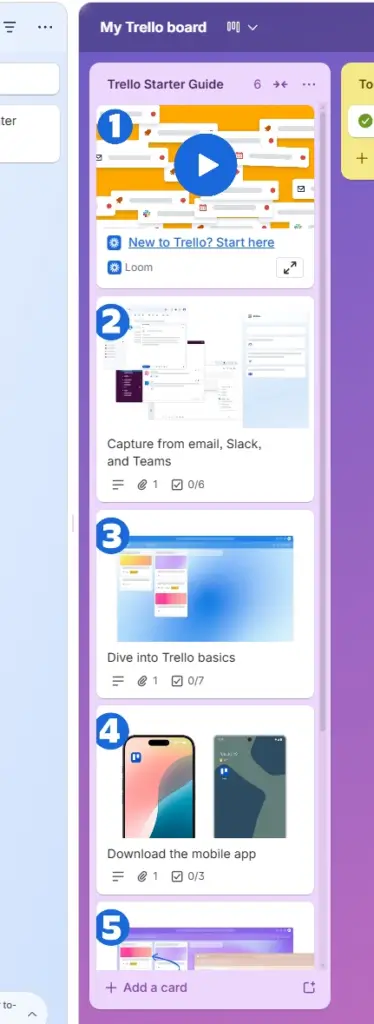
6. AI Workflow Integrations
6
One of the biggest trends in 2026 is combining AI with project management automation.
Modern workflows now connect Trello with:
- AI writing tools
- AI customer support systems
- AI image generation
- AI agents
- automated research tools
This allows businesses to create semi-autonomous workflows that dramatically reduce manual work.
Trello Automation Tips
Here are some simple ways to improve Trello automations:
Keep Rules Simple
Too many automations can create confusion.
Use Labels Strategically
Labels make it easier to trigger automations.
Create Workflow Templates
Reusable boards save time.
Connect External Tools Carefully
Only automate what actually improves productivity.
Track Workflow Bottlenecks
Automation should remove friction, not add complexity.
Personal Insight
I think automation is becoming one of the most underrated growth tools for creators and businesses right now. Most people still use project management software like a digital to-do list, but the real advantage comes from turning these systems into automated workflow engines.
The interesting shift happening in 2026 is that Trello is no longer just a task board. It’s becoming part of a much larger AI workflow ecosystem where automations connect content creation, lead generation, marketing, communication, and productivity into one system.
For creators and businesses trying to scale faster, even simple Trello automations can save hours every week. That extra time can be redirected into content creation, SEO, product development, or audience growth. Small workflow improvements compound over time, especially when combined with AI tools and automation platforms.
FAQs
What is the best Trello automation tool?
The best Trello automation tool for most users is Butler because it’s built directly into Trello and easy to use. Advanced users often combine Trello with Zapier or Make for larger workflows.
Is Trello automation free?
Trello includes limited automation features on free plans, but advanced automations may require paid upgrades depending on usage.
Can Trello work with AI tools?
Yes. Trello can integrate with many AI tools through Zapier, APIs, and workflow platforms.
Is Trello good for content creators?
Yes. Trello is excellent for content planning, editorial calendars, social media workflows, and AI-assisted publishing systems.
Final Thoughts
Trello automation is becoming one of the easiest ways to improve productivity in 2026. Whether you’re managing content, projects, marketing campaigns, or AI workflows, automations can reduce repetitive work and help teams move faster.
The best strategy is to start simple, automate repetitive tasks first, and slowly build more advanced workflows over time. As AI automation continues evolving, Trello will likely become even more powerful for creators, startups, and businesses looking to scale efficiently.
Founder Insight: I’ve been working with computers, software, and creative technology since the early days of personal computing and personally test many of the AI tools featured on TechnofluxAI before recommending them.

About the Author
Jon Hicks
Founder of TechnofluxAI.
I’m the creator behind TechnofluxAI, focused on breaking down powerful AI tools, emerging trends, and practical strategies to help creators and entrepreneurs stay ahead in a rapidly evolving digital world.
Follow TechnofluxAI for the latest AI tools & strategies