
Estimated reading time: 9 minutes
Key Takeaways
- Choosing between Todoist vs Motion depends on your workflow style; Todoist excels in simplicity and task management, while Motion offers advanced AI scheduling.
- Todoist is quick and user-friendly, ideal for individuals and lightweight teams wanting fast task organization.
- Motion automates scheduling and adjusts tasks dynamically, making it better for professionals with busy calendars and multiple deadlines.
- Pricing differentiates the apps, with Todoist being more affordable compared to the premium costs of Motion.
- In 2026, AI productivity tools like Motion change how users manage tasks, yet many still prefer the straightforwardness of Todoist.
- Todoist offers a free plan for basic personal task management.
Choosing the right productivity app in 2026 is harder than ever because modern tools are starting to blend AI scheduling, task management, automation, project planning, and calendar systems into one experience. Two of the most talked-about productivity platforms right now are Todoist and Motion.
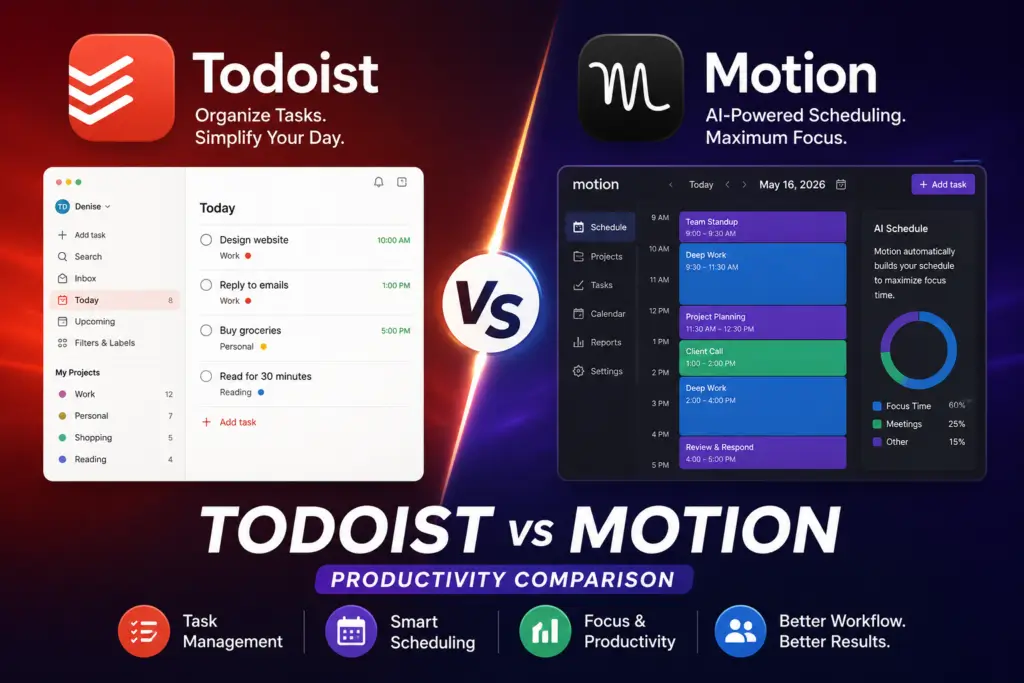
While both apps help users organize work and tasks, they approach productivity in completely different ways. Todoist focuses on simplicity, speed, and lightweight task management. Motion focuses heavily on AI-powered scheduling, automated planning, and calendar optimization.
The best choice depends on how you actually work.
If you want fast task capture and clean organization, Todoist may be the better fit. If you want AI to automatically schedule your day and reorganize tasks around meetings and deadlines, Motion offers a much more advanced system.
What Is Todoist?
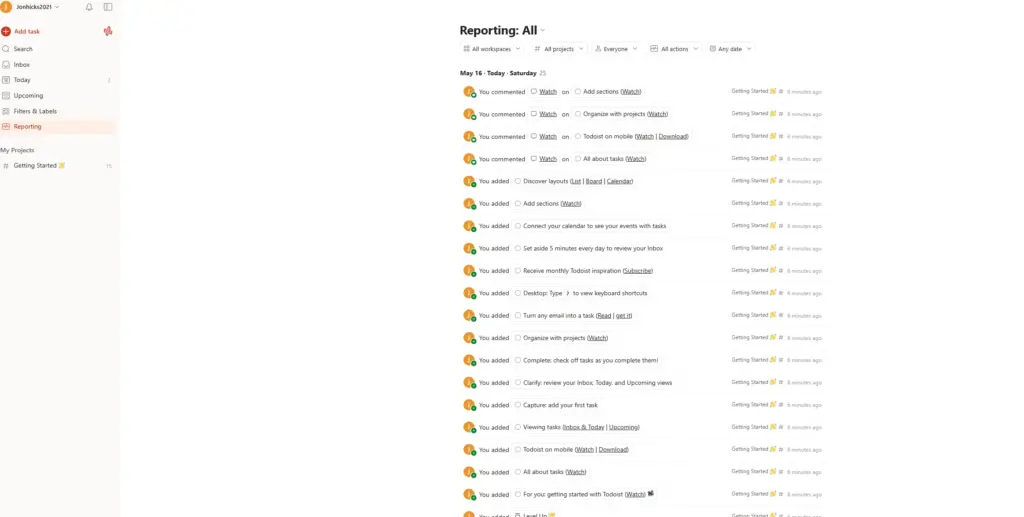
Todoist is a long-running task management app from Doist. It focuses on fast task capture, a clean interface, natural-language input, and straightforward project organization.
Todoist is designed for users who want:
- Simple to-do lists
- Fast task capture
- Recurring reminders
- Lightweight project organization
- Cross-device syncing
- Minimal setup
One of Todoist’s biggest strengths is speed. You can quickly type something like:
“Email client every Monday at 9am”
…and Todoist automatically creates the recurring task. Natural-language task entry remains one of Todoist’s most useful features for quickly turning plain-English instructions into scheduled tasks.
Todoist works especially well for:
- Creators
- Freelancers
- Students
- Solopreneurs
- Busy individuals
- Lightweight team collaboration
What Is Motion?
Asana vs Trello (Best Project Management Tool?)
Best Trello Automations in 2026
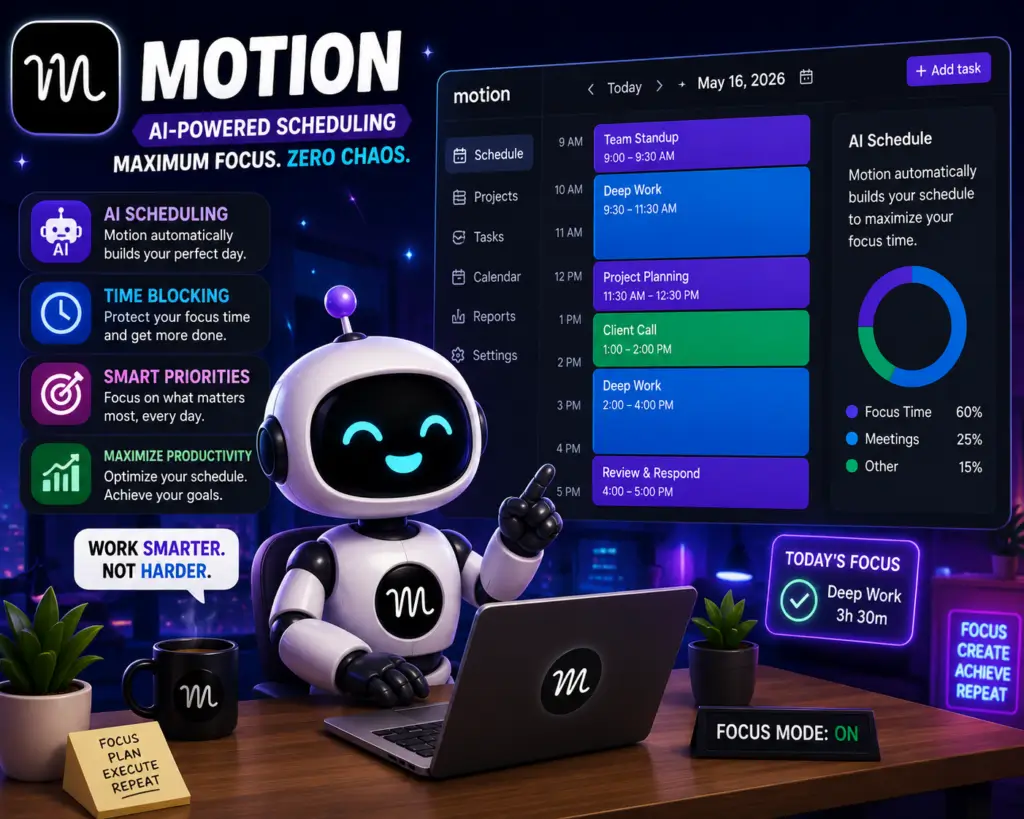
Motion is an AI-powered productivity platform that combines:
- Task management
- AI scheduling
- Calendar management
- Meeting planning
- Project workflows
- Team collaboration
Instead of simply storing tasks, Motion actively schedules them into your calendar automatically using AI. If meetings move or priorities change, Motion reorganizes your schedule dynamically.
This is Motion’s biggest differentiator.
Rather than asking:
“What should I work on next?”
Motion attempts to answer that automatically.
The platform is designed more for:
- Executives
- Agencies
- Startup teams
- Managers
- Professionals with overloaded schedules
- Users with constant meetings
Todoist vs Motion: Main Differences
| Feature | Todoist | Motion |
|---|---|---|
| Core Focus | Task management | AI scheduling |
| Learning Curve | Very easy | Moderate |
| AI Features | Limited | Advanced |
| Calendar Automation | Basic | Strong |
| Project Management | Lightweight | Advanced |
| Team Collaboration | Basic | Better for teams |
| Pricing | Lower cost | Premium pricing |
| Best For | Personal productivity | Schedule automation |
| Interface Style | Minimal | Feature-heavy |
| Daily Planning | Manual | AI-driven |
Todoist vs Motion for Daily Productivity
Todoist Wins for Simplicity
Todoist is incredibly fast.
You can:
- Add tasks instantly
- Organize projects quickly
- Use labels and priorities
- Create recurring workflows
- Stay focused without complexity
For many people, this simplicity is actually an advantage.
A common issue with advanced productivity apps is over-management. Some users spend more time organizing work than actually doing work. Todoist avoids much of this problem by staying lightweight and focused.
If you already know how to prioritize your day manually, Todoist works extremely well.
Motion Wins for AI Scheduling
Motion becomes powerful when your schedule becomes chaotic.
The platform automatically:
- Schedules tasks
- Rearranges priorities
- Adjusts around meetings
- Optimizes available time
- Prevents scheduling conflicts
For users with packed calendars, that automation can reduce the amount of manual rescheduling required. AI scheduling is also the clearest difference between Motion and a traditional task manager.
For professionals balancing:
- meetings
- deadlines
- client work
- projects
- content schedules
…the automation can save serious time.
Todoist vs Motion Pricing
Pricing is one of the biggest differences between these apps.
Todoist remains the lower-cost option for most individual users, while Motion positions its AI scheduling and project features at a higher price point.
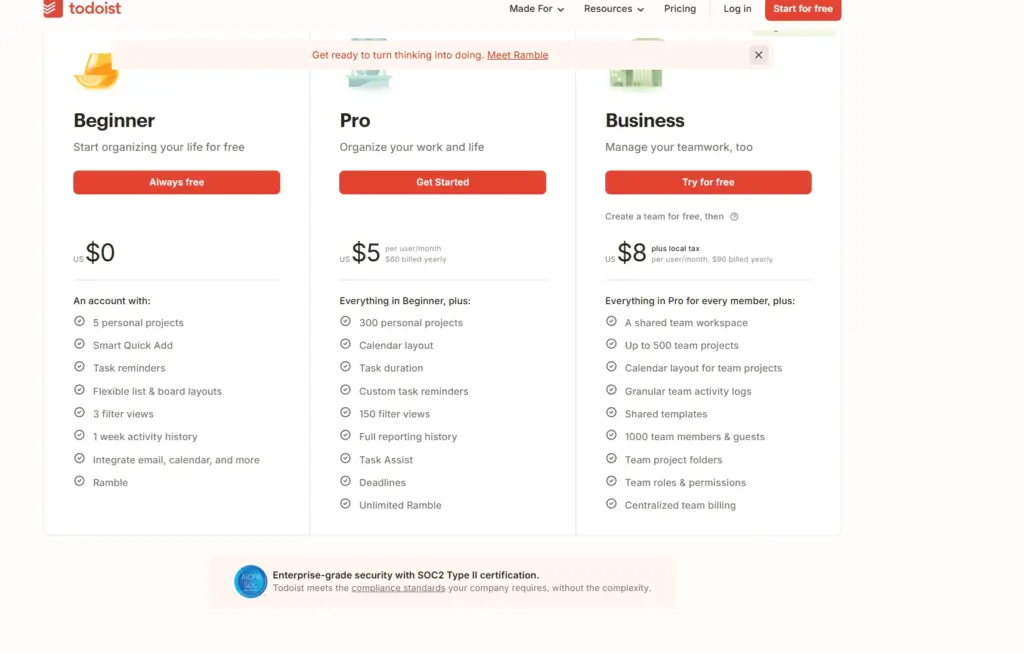
Todoist Pricing
- Beginner: free
- Pro: $5 per user/month when billed yearly ($60/year)
- Business: $8 per user/month when billed yearly ($96/year), plus applicable tax
Todoist also offers monthly billing at higher rates. Pricing can change, so check the official pricing page before subscribing.
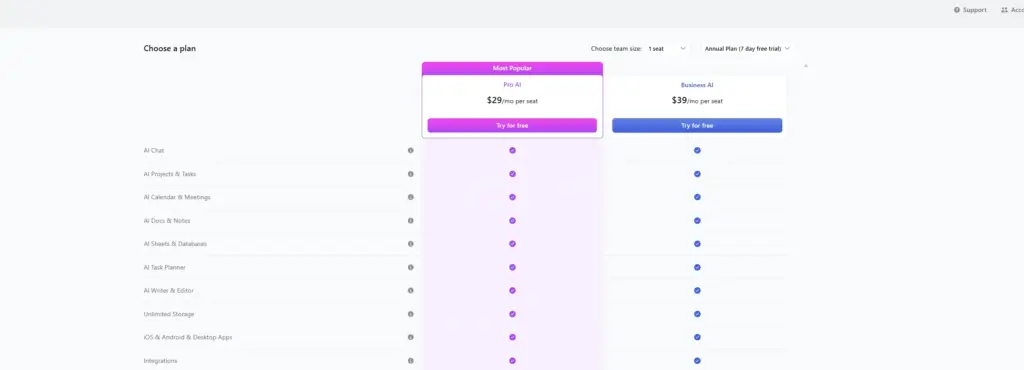
Motion Pricing
- Pro AI: $19 per seat/month on the annual-billing option shown by Motion
- Business AI: $29 per seat/month on the annual-billing option shown by Motion
- Both plans include Motion’s AI task, calendar, project, and collaboration features at different usage and administration levels
Motion also offers monthly billing, and its pricing can change. Check Motion’s official pricing page for the current billing option before purchasing.
If budget matters heavily, Todoist is usually the better value.
Which Productivity App Is Better for Creators?
For creators, bloggers, YouTubers, and entrepreneurs, the answer depends on workflow style.
Choose Todoist If:
- You prefer simple systems
- You work independently
- You mainly manage tasks manually
- You want fast task capture
- You dislike overcomplicated software
Choose Motion If:
- Your calendar constantly changes
- You manage many deadlines
- You run a team
- You struggle with time blocking
- You want AI to organize your day
For many creators, Todoist may actually feel more sustainable long term because it reduces friction.
But for agencies or businesses juggling meetings and projects, Motion’s AI scheduling can become extremely valuable.
AI Productivity Is Changing Everything
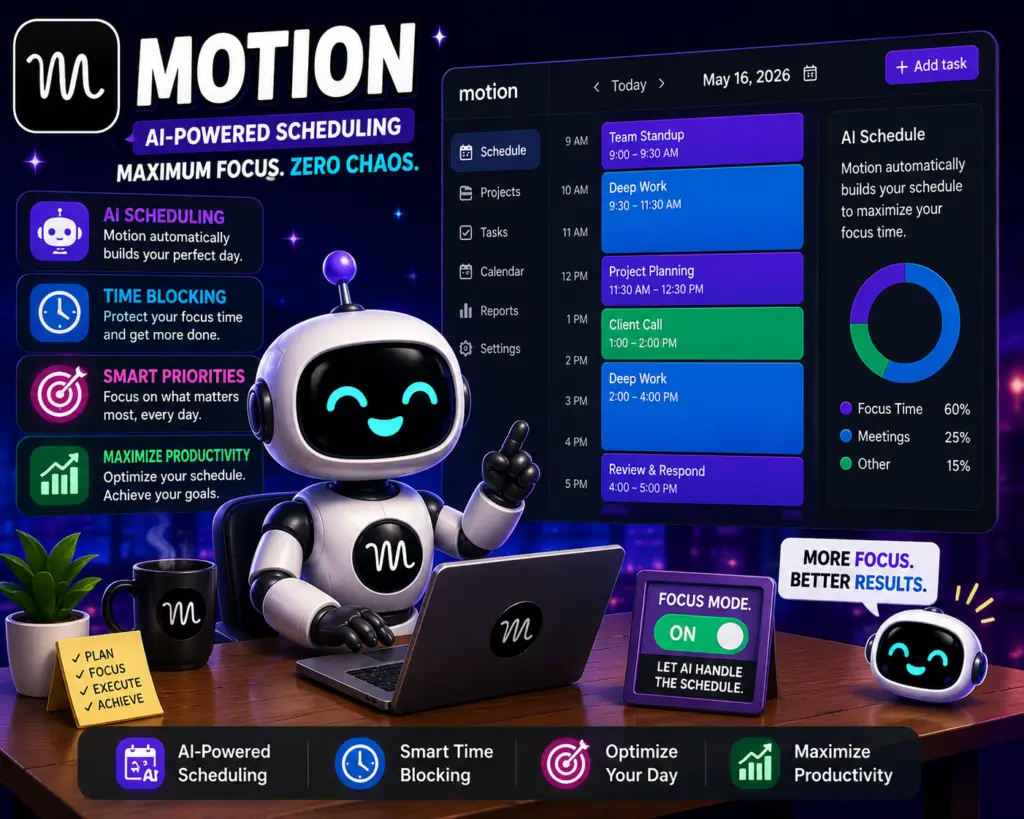
One of the biggest trends happening in 2026 is the shift from passive task lists to active AI workflow systems.
Older productivity apps mainly stored information.
Newer systems like Motion attempt to actively manage your workload automatically.
This is a major change in productivity software.
We’re now entering an era where AI tools:
- prioritize work
- organize schedules
- automate workflows
- predict deadlines
- reduce cognitive overload
At the same time, many users still prefer lightweight systems because too much automation can feel overwhelming.
That’s why Todoist continues to remain popular despite the rise of AI scheduling platforms.
Personal Insight
I think Todoist and Motion represent two completely different philosophies of productivity.
Todoist is built around clarity and simplicity. You decide what matters, and the app helps you stay organized without getting in your way.
Motion is built around optimization. It assumes your schedule is too complex to manage manually and tries to automate decision-making with AI.
Neither approach is objectively better.
Some people thrive with AI planning. Others feel more productive when they stay fully in control of their own schedule.
The interesting thing is that productivity apps are slowly becoming AI assistants rather than simple task managers. Over the next few years, we’ll probably see more tools combining calendars, AI scheduling, automation, and project management into complete productivity ecosystems.
FAQs
Is Motion better than Todoist?
Motion is better for AI scheduling and automated planning, while Todoist is better for simple task management and fast organization.
Is Todoist still worth it in 2026?
Yes. Todoist is still a strong option in 2026 for people who value quick task capture, simple organization, and lower pricing.
Does Motion use AI?
Yes. Motion uses AI to automatically schedule tasks, reorganize workloads, and optimize calendars.
Which app is better for ADHD productivity?
Some users prefer Motion because the AI scheduling removes planning fatigue, while others prefer Todoist because it feels less overwhelming.
Final Verdict
If you want a clean, reliable, lightweight productivity app, Todoist is still one of the best choices in 2026.
If you want AI to actively organize your calendar, prioritize work, and automate scheduling, Motion is the stronger option.
Ultimately:
- Todoist = simplicity and speed
- Motion = automation and optimization
The best productivity app is the one that actually matches how your brain works and helps you consistently finish important work.

About the Author
Jon Hicks
Founder of TechnofluxAI.
I’m the creator behind TechnofluxAI, focused on breaking down powerful AI tools, emerging trends, and practical strategies to help creators and entrepreneurs stay ahead in a rapidly evolving digital world.
Follow TechnofluxAI for the latest AI tools & strategies