
SECTION 1
CLICKUP VS ASANA • 2026 COMPARISON
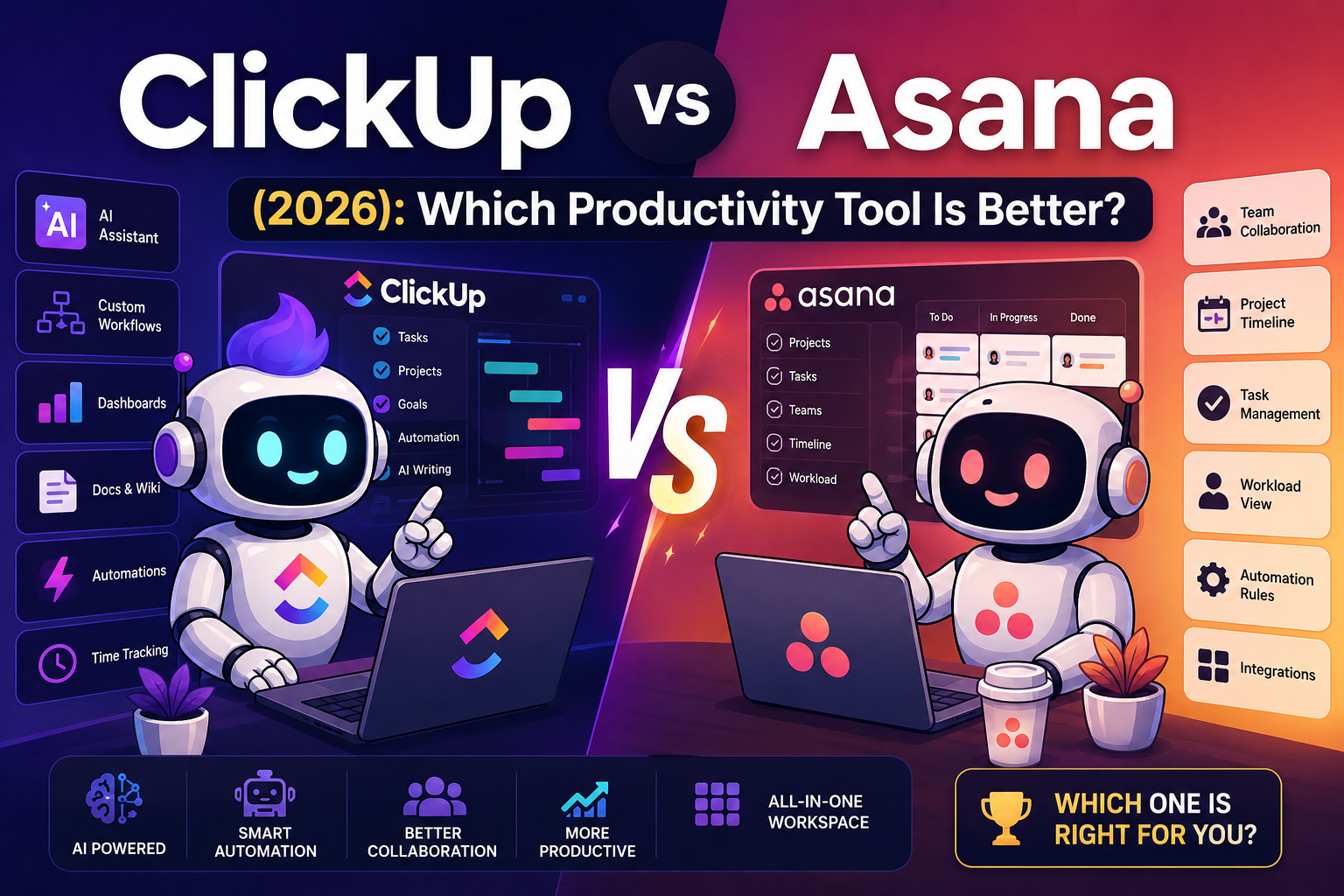
ClickUp and Asana are both strong project-management platforms, but they suit different working styles. ClickUp is the better fit if you want deeper customization, more workflow options, Docs, dashboards, and AI features in one system. Asana is the better fit if you want a cleaner interface, straightforward task management, and easier team onboarding.
Quick Answer
- Choose ClickUp if you want deeper customization, automation, Docs, dashboards, and AI-assisted workflows.
- Choose Asana if you want a cleaner project-management experience focused on tasks, collaboration, and easier onboarding.
For advanced workflows and heavier customization, ClickUp usually gives you more room to build. For teams that want a simpler system with less setup, Asana may be easier to adopt.
What Is ClickUp?
ClickUp is a productivity and project-management platform that combines tasks, Docs, dashboards, automations, goals, collaboration, and AI-assisted features.
It is a stronger fit for users who want to customize how work is organized instead of following a more fixed project-management structure.
Key ClickUp Features
- task and project management
- workflow automations
- Docs and wikis
- dashboards
- custom views and statuses
- time tracking
- goals
- whiteboards
- AI-assisted summaries and workflow help
- integrations
What Is Asana?
Asana is a project-management platform built around tasks, projects, timelines, collaboration, workflow visibility, and team coordination.
Its main appeal is that teams can usually understand the system quickly without building a highly customized workspace first.
Key Asana Features
- task assignments
- project timelines
- calendar and list views
- workflow templates
- dashboards
- automation rules
- team collaboration
- progress tracking
- AI-assisted workflow features
If you want a deeper look at ClickUp’s AI features, see Best ClickUp AI Features in 2026. You can also compare Asana vs Trello.
SECTION 2
ClickUp vs Asana: Main Differences
1. Ease of Use
Asana has the edge for simplicity. Its interface is generally easier to understand quickly, which can make onboarding smoother for teams that want to start assigning and tracking work without much setup.
ClickUp gives you more ways to customize your workspace, but that flexibility can also make the platform feel busier at first.
Best fit: Asana for simplicity. ClickUp for users who want more control over how the system works.
2. AI Features
Both platforms now include AI-assisted features, but ClickUp puts AI closer to the wider productivity system through tasks, Docs, summaries, and workflow tools.
Asana also includes AI features, but the more important decision is whether you want AI layered into a highly customizable workspace or into a simpler project-management environment.
Best fit: ClickUp if AI is part of a broader workflow system. Asana if you mainly want AI assistance inside a simpler project setup.
3. Workflow Automation
ClickUp gives users a lot of control over statuses, recurring work, assignments, notifications, and workflow logic. That makes it attractive for people building detailed production systems.
Asana also supports automation rules, but its strength is making common team workflows easier to understand and maintain.
Best fit: ClickUp for complex workflow customization. Asana for simpler automations that a team can manage easily.
4. Team Collaboration
Asana’s cleaner structure can make project status and ownership easier to scan across a team. ClickUp also supports collaboration, but its extra features can create more visual complexity.
Best fit: Asana for teams that value simplicity. ClickUp for teams that want collaboration inside a more feature-heavy workspace.
5. Customization
ClickUp is the stronger choice for customization. Users can build around custom statuses, views, dashboards, Docs, task structures, and automations.
That flexibility is useful when your workflow does not fit neatly into a basic task-management setup. The tradeoff is that the system may require more configuration and maintenance.
ClickUp vs Asana at a Glance
| Area | ClickUp | Asana |
|---|---|---|
| Ease of use | More setup and options | Simpler onboarding |
| Customization | Very flexible | More streamlined |
| Automation | Better for complex systems | Better for straightforward rules |
| Collaboration | Feature-rich | Cleaner and easier to scan |
| AI workflow fit | Strong fit for deeper workflow systems | Strong fit for simpler team workflows |
Which Is Better for Creators?
ClickUp may appeal more to creators who want content planning, Docs, task management, automation, and AI-assisted workflows in one place.
That can be useful for managing:
- blog production
- YouTube workflows
- social media calendars
- content repurposing
- SEO tasks
- affiliate projects
Asana can still work well for creators, especially if the main goal is to keep projects, deadlines, and collaborators organized without building a complex workspace.
SECTION 3
Pricing: Check the Current Plans Before You Decide
Both ClickUp and Asana offer multiple plans, including free and paid options. Pricing, feature limits, AI access, and plan names can change, so I would check each company’s current pricing page before choosing based on cost alone.
More important than the headline price is whether the plan you are considering includes the features your workflow actually needs.
Choose ClickUp If You:
- want deeper customization
- need advanced workflow options
- want Docs and tasks in the same system
- manage several types of projects
- want dashboards and custom views
- plan to use AI as part of a larger productivity workflow
Choose Asana If You:
- want a simpler interface
- need straightforward team collaboration
- want faster onboarding
- prefer a more traditional project-management structure
- do not need extensive workspace customization
The Biggest Tradeoff
ClickUp gives you more ways to build your own system. Asana gives you a more focused system that may require less setup.
That means the “better” tool depends less on the length of the feature list and more on how much complexity you actually want to manage.
My decision rule:
If I needed a highly customized creator or automation workflow, I would lean toward ClickUp. If I were setting up a team that mainly needed clear tasks, ownership, deadlines, and collaboration, I would give Asana a serious look.
Frequently Asked Questions
Is ClickUp better than Asana?
Not for everyone. ClickUp is a stronger fit for users who want customization, advanced workflows, and a broader productivity system. Asana is a stronger fit for teams that value simplicity and easier onboarding.
Which tool is easier to use?
Asana is generally easier to learn because its interface and project structure are more streamlined. ClickUp gives you more control, but that can require more setup.
Which is better for creators?
ClickUp may be the better fit for creators who want to combine content planning, Docs, automation, tasks, and AI-assisted workflows. Asana may be better if you mainly want a clean project-management system.
Which is better for teams?
Asana can be easier to roll out across a team that wants straightforward project management. ClickUp can be better for teams that need more customization and are willing to spend more time configuring the workspace.
Final Takeaway
ClickUp and Asana can both organize projects effectively, but they take different approaches.
ClickUp is the better fit when flexibility, customization, and a broader workflow system matter most.
Asana is the better fit when simplicity, clean collaboration, and easier onboarding matter most.
The best choice is the one that makes your actual workflow easier to manage instead of giving you more software to maintain.