
Estimated reading time: 12 minutes
Gemini 3.7 Flash • August 2026
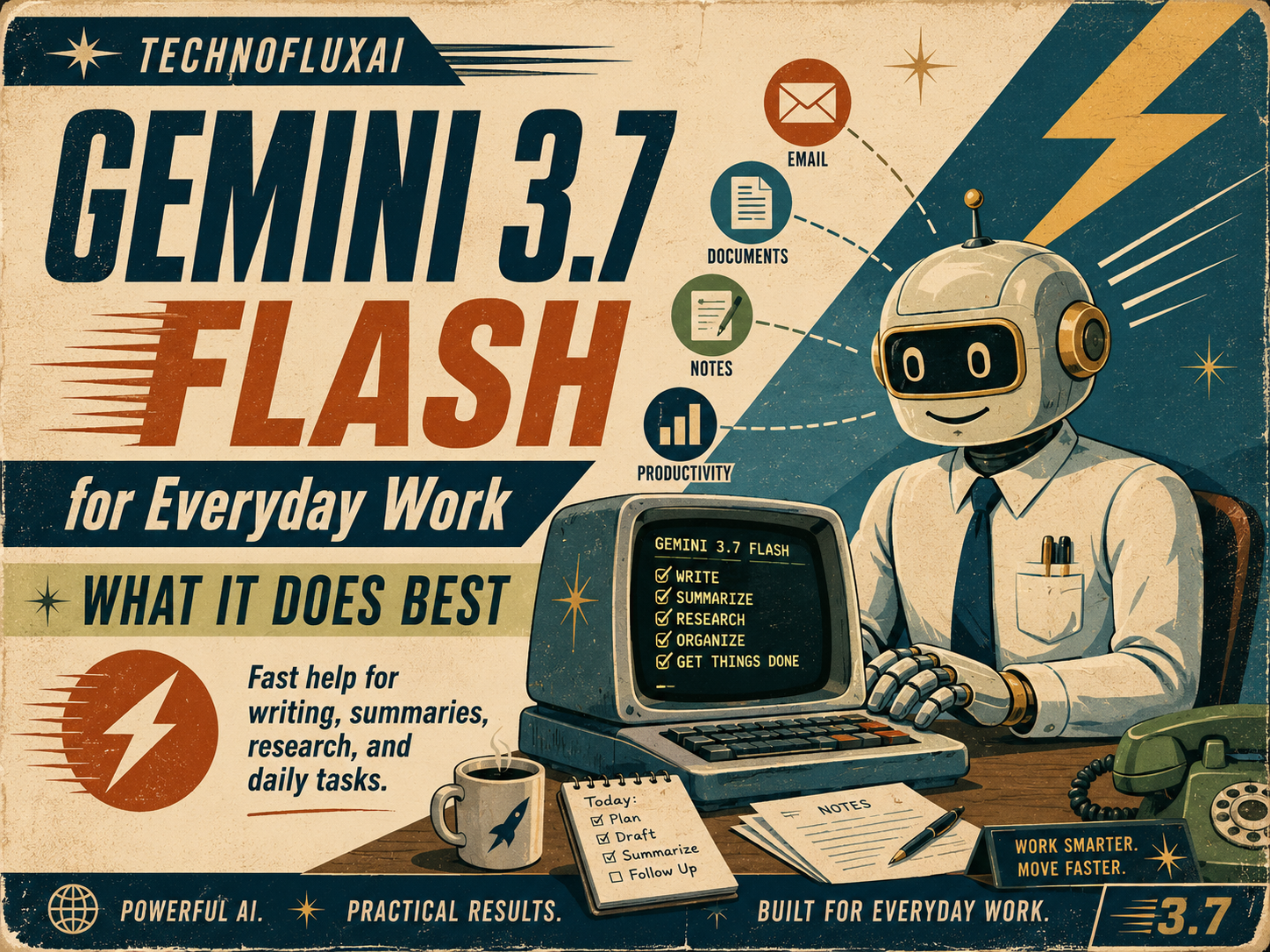
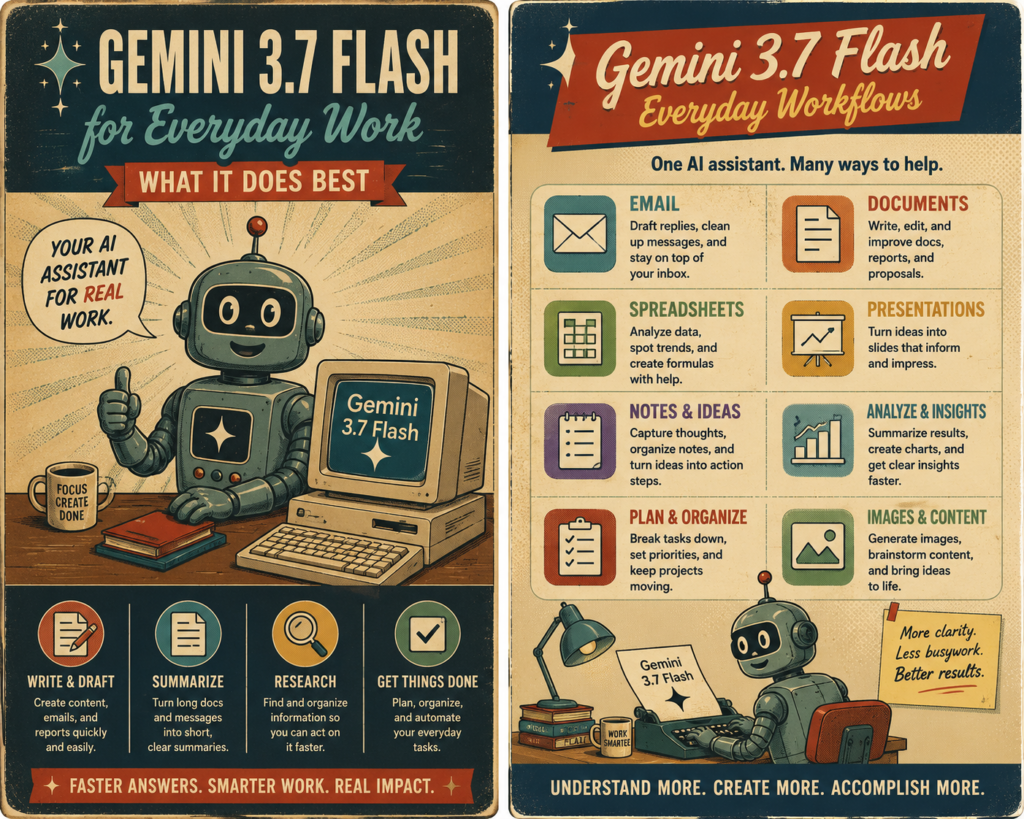
Gemini 3.7 Flash for Everyday Work: What It Does Best
Gemini 3.7 Flash launched on August 13, 2026, and at this point there are so many new AI models coming out that it is honestly getting hard to keep track of all of them.
I still use ChatGPT for most of my work, but I have been exploring Gemini 3.7 Flash to figure out where it actually fits. I am less interested in another list of benchmark scores than I am in a much simpler question: what can this thing actually do for everyday work?
The areas that caught my attention first were coding, debugging, web development, and multi-step agent workflows. Those are not small improvements if they work well in practice.
Quick Take
Gemini 3.7 Flash looks most interesting for people who need fast AI assistance with coding, debugging, web development, long documents, and workflows that require several steps instead of one simple prompt.
The Coding Side Immediately Got My Attention
I remember learning C++, and it could be brutal. You could spend forever looking through code only to discover that one tiny mistake was causing the entire thing to fail. Tools that can inspect code, explain the problem, suggest a fix, and keep working through multiple steps would have felt almost ridiculous back then.
That is one reason Gemini 3.7 Flash interests me. Google is positioning the model heavily around software engineering, debugging, web development, reasoning, and agent-style workflows. Instead of asking the model one question and stopping, an agent workflow can involve several actions that build on each other.
It Is Fast. Really Fast.
Speed is another thing that stands out. In lighter tasks, Gemini Flash can feel almost instantaneous. Of course, speed by itself does not make an AI model useful. A fast wrong answer is still a wrong answer. What matters is whether that speed holds up when the instructions become more complicated.
The current introductory pricing also makes Gemini 3.7 Flash interesting for developers or businesses experimenting with heavier workloads. Google has announced lower introductory API pricing through the end of 2026, with higher rates scheduled for 2027.
There are already reports of a possible Gemini 3.8 Flash being tested internally, but that is still something to watch rather than something to plan around. Gemini 3.7 Flash is the model available now, so that is the one worth examining.
Specs and benchmarks are useful, but I want to know what happens when the instructions get harder. Can Gemini 3.7 Flash keep track of a complicated task, work through several steps, and produce something I would actually use? That is what I am going to test next.


I Gave Google Gemini Flash a Real Web-Development Test
Instead of asking Gemini an easy question, I gave it a multi-part prompt covering web development, SEO, GEO, accessibility, monetization, debugging, and AI automation. Here is the exact prompt and what happened.
My Gemini Flash test result
I was impressed with Gemini. It created the code almost instantaneously. The code was easy to see, and downloading it was simple. That is the kind of thing I notice when I am testing an AI tool for real work instead of just asking it questions.
My opinion is that Google Gemini Flash is an amazing tool and absolutely worth trying. At the same time, there are so many AI tools now that it is easy to get lost, frustrated, or confused. I recommend choosing one primary tool, learning it well, and only adding another tool when it solves a specific problem better.
Below is the exact stress-test prompt I used. After that, you can use the interactive comparison engine to compare Gemini with 10 major alternatives. We will keep exploring these tools, so bookmark this article if you want to come back as the comparison grows.
The prompt I gave Gemini
You are acting as a senior web developer, SEO strategist, and AI automation engineer.

I run an AI website called TechnofluxAI.com for creators and small businesses.

Your task is to design a complete interactive “AI Tool Comparison Engine” for the website.

Requirements:

1. Create a responsive front-end using HTML, CSS, and vanilla JavaScript.
2. Let a visitor compare up to 4 AI tools.
3. Each tool should have:
   - Name
   - Best use case
   - Monthly price
   - Free plan availability
   - API availability
   - Ease-of-use score
   - Coding score
   - Content creation score
   - Image/video score
4. Add filters for:
   - Free tools
   - Under $20/month
   - Coding
   - Content creation
   - Video generation
5. Create a weighted scoring system where the user can choose what matters most.
6. Dynamically recommend the best AI tool based on those preferences.
7. Explain the recommendation in plain English rather than simply showing a score.
8. Include structured data or schema ideas that could help Google and AI search engines understand the comparison.
9. Suggest how this page could earn affiliate revenue without becoming thin affiliate content.
10. Identify at least 5 SEO/GEO opportunities for the page.

Then do a second pass as a skeptical senior engineer.

Find weaknesses, bugs, accessibility problems, SEO issues, bad assumptions, and UX problems in your first solution.

Fix them.

Finally, return:

- the final working code
- a short explanation of the architecture
- the scoring logic
- SEO/GEO recommendations
- 5 ideas for expanding this into a larger AI-tool database

Do not stop at an outline. Produce the actual implementation.
Tip: Run the same prompt in more than one AI system. The differences in code structure, debugging, explanation quality, and usability become obvious very quickly.
Google Gemini Flash vs. 10 major AI alternatives
Choose up to four tools, adjust what matters to you, and let the engine recalculate the best match. Scores below are TechnofluxAI editorial comparison scores for demonstrating the tool—not laboratory benchmarks.
Calculating…
| Metric |
|---|
Tools included in this comparison
Do not try to master every AI tool at once
Pick the tool that fits most of your everyday work. Learn its shortcuts, limitations, file handling, coding behavior, and workflow features. Then keep one or two specialist tools nearby for jobs your main tool does not handle as well.
That approach is less exciting than signing up for everything, but it is much more useful because the goal is not to collect AI subscriptions. The goal is to get work done.
Quick Image and Video Test: Final Thoughts on Gemini Flash
I think Gemini Flash is a great tool, especially if you are a coder. After seeing how fast it handled my main test prompt, I wanted to do one more quick check with image and video generation to see how it performed outside of coding and web development.
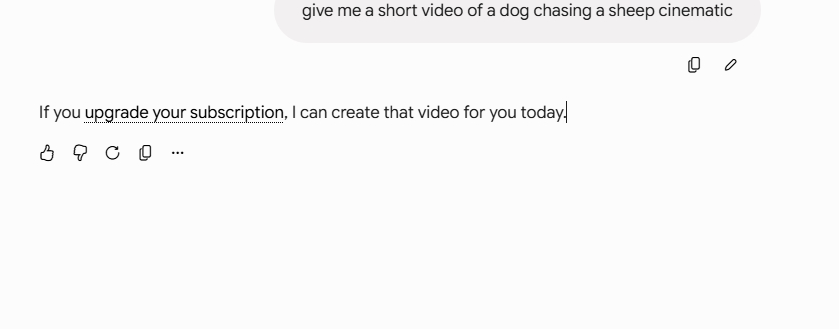
For this part, I tested a detailed cinematic wildlife-style prompt asking for a realistic Border Collie chasing a sheep across a Scottish hillside. I also tested video generation. The video test hit a paywall, which I expected, but the image results were still strong enough to make this worth noting.
Video Test Result
I tried a short cinematic video prompt first. Gemini responded by telling me that it could create the video if I upgraded my subscription. That means the tool recognized the request, but full access was locked behind a higher plan.
That was not a surprise, but it still tells us something useful. If you want Gemini for more advanced media generation, you may need to factor paid access into your decision.
Image Test Result
I then used a much more detailed image prompt. Gemini produced realistic results showing a Border Collie chasing a sheep across a green hillside with a cinematic look. The images had good motion, believable scenery, and a natural documentary feel.
Although the results were not perfect, they were good enough to show that Gemini Flash can follow detailed visual instructions surprisingly well.
What This Test Tells Me
- Gemini Flash is fast, and that speed makes it appealing for coding, debugging, and rapid testing.
- It appears to follow complex prompts well, at least in the tests I ran.
- Image generation looks promising, even from a detailed prompt with a lot of scene constraints.
- Video generation may require upgraded access, so not every feature is available at the lower level.
- At current pricing, Gemini Flash could be worth testing further if you want a lower-cost AI option with strong speed.
My Honest Takeaway
Gemini impressed me by creating the original comparison engine code almost instantly, and the code was easy to review and easy to download. That matters because speed is only helpful when the output is also practical.
It is also easy to get overwhelmed by how many AI tools are out there now. My advice is still simple. Pick one main tool and learn how to use it well. If you keep jumping between tools all day, you can get lost, frustrated, and confused.
Right now, Gemini Flash looks like a strong option, especially for coding-heavy users. It could be worth testing further while Google is offering relatively low pricing.
Frequently Asked Questions
Is Gemini Flash good for coding?
Based on my test, yes. Gemini Flash handled a fairly demanding coding prompt very quickly and returned usable code almost immediately. That speed makes it especially attractive for coding, debugging, and rapid web development tasks.
Is Gemini Flash better than ChatGPT?
That depends on what you need. Gemini Flash impressed me with its speed, while ChatGPT remains strong for many workflows. The better choice comes down to your main use case, your budget, and which tool fits your daily workflow best.
Can Gemini Flash generate images and video?
In my test, image generation worked well enough to be interesting. Video generation appeared to be restricted by subscription level, so you may need upgraded access for that feature.
Should beginners use Gemini Flash?
Beginners can use it, but I would still suggest picking one main AI tool and learning it deeply. That matters more than constantly switching between platforms because every tool has its own layout, strengths, and limitations.
Why is Gemini Flash worth testing further?
Further testing makes sense because it combines speed, useful coding output, and promising media generation results. If pricing stays competitive, it could become a solid option for creators, developers, and small business users.
What is the main lesson from this article?
The main lesson goes beyond Gemini Flash looking strong: AI users should stop chasing every new tool and focus on learning the right tool for their workflow. Gemini Flash may be a great fit, especially for coders, but the best AI is the one that helps you get real work done consistently.
Bookmark this article if you want to follow the full comparison. Next, we will explore more of the top competitors to Google Gemini Flash and continue testing them with real prompts and real results.