

Estimated reading time: 9 minutes
TechnofluxAI Guide
Best Free AI Tools for Content Creators in August 2026: A Complete $0 Workflow
You do not need a paid AI stack to create better content. In August 2026, a smart creator can research ideas, write drafts, design graphics, edit short videos, summarize sources, and repurpose posts with a workflow that costs exactly zero dollars.
Quick Answer
The best free AI workflow for content creators is not one tool. Use ChatGPT or Claude for drafting, Gemini for Google-connected ideas, Perplexity for research, Canva or Adobe Express for visuals, CapCut for short-form video, and NotebookLM-style tools for organizing source material.
The Big Catch
Free AI tools are powerful, but they are not unlimited. Expect usage caps, slower access, fewer premium models, limited image generations, watermarks on some creative tools, and fewer team features.
Why Free AI Tools Are Enough for Many Creators
Most beginner and intermediate creators do not need enterprise AI. They need a reliable way to turn rough ideas into publishable content without burning hours on blank-page thinking, basic research, layout design, captions, summaries, and repurposing.
A free AI stack works best when every tool has a clear job. One tool helps you think. Another helps you research. A design tool turns ideas into graphics. A video tool transforms scripts into clips. The workflow matters more than the logo on the app.
Start Here Before Installing Everything
Pick one content format first: blog posts, YouTube Shorts, TikTok videos, LinkedIn posts, newsletters, Pinterest pins, or Instagram carousels. A focused $0 workflow beats a folder full of free tools you never actually use.
Explore More AI Tool GuidesThe $0 Creator Stack
The Best Free AI Tools for Each Part of the Content Workflow
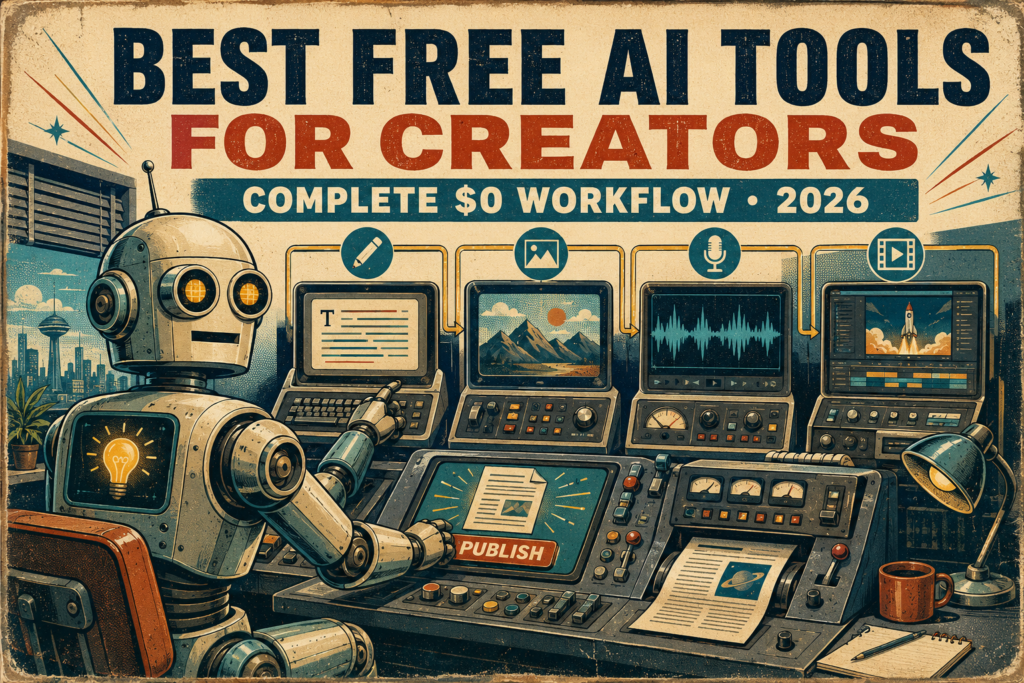
A complete free AI workflow should cover six jobs: idea generation, research, writing, editing, visual creation, and video repurposing. The goal is not to use every tool every day. The goal is to know which free tool to open at each stage.
1. ChatGPT Free
Best for brainstorming, outlines, hooks, captions, rewrites, email drafts, blog structure, and everyday creator problem-solving.
- Use it for first drafts and content planning
- Ask for multiple angles before writing
- Turn one idea into posts for several platforms
- Review limits before relying on advanced features
2. Google Gemini Free
Best for creators already working inside Google Search, YouTube, Gmail, Docs, Drive, and Google-style research habits.
- Use it for topic angles and search-connected thinking
- Draft outlines for Google Docs or blog briefs
- Compare creator ideas before choosing one
- Check which advanced features require a paid Google AI plan
3. Claude Free
Best for thoughtful rewrites, cleaner long-form structure, summarizing notes, simplifying complex ideas, and improving tone.
- Use it to tighten long drafts
- Ask for clearer explanations and better flow
- Turn messy notes into structured content
- Remember that free usage is limited
4. Perplexity Free
Best for quick research, source discovery, topic validation, competitor scanning, and finding helpful context before writing.
- Use it before drafting opinion-heavy posts
- Collect sources for comparison articles
- Check whether a trend is real or just noise
- Upgrade only if research volume becomes heavy
5. Canva Free or Adobe Express Free
Best for thumbnails, social graphics, quote cards, Pinterest pins, blog images, carousels, simple branding, and fast visual layouts.
- Use templates to move faster
- Keep a simple brand style
- Create one image size per platform
- Watch generative AI credit and export limits
6. CapCut Free
Best for short-form video editing, captions, text-to-speech experiments, templates, quick cuts, repurposed clips, and creator-friendly video production.
- Use it for YouTube Shorts and TikTok edits
- Turn blog points into short video scripts
- Add captions for mobile viewers
- Check export, watermark, and feature limits before posting
A Complete $0 Content Workflow
Find the content angle.
Use ChatGPT, Gemini, or Claude to generate 10 possible angles for one topic. Pick the angle that solves a real reader problem, not the one that sounds the most trendy.
Research before writing.
Use Perplexity, Gemini, or source-based research tools to check what people are asking, what competitors cover, and where your article can be more helpful.
Draft the main content.
Use ChatGPT or Claude to create the first draft. Give the AI your audience, platform, goal, outline, tone, and examples so the output does not sound generic.
Edit for clarity and trust.
Ask an AI tool to find weak sections, repeated sentence starts, vague claims, missing examples, and places where the content sounds too robotic.
Create visuals.
Use Canva Free or Adobe Express Free to create your featured image, social graphic, thumbnail, carousel, or Pinterest pin. Keep the design simple and consistent.
Repurpose into short video.
Turn your best three points into a short script. Use CapCut to cut the video, add captions, tighten pacing, and export for TikTok, Shorts, Reels, or Facebook.
Warning: Free Does Not Mean Unlimited
Free AI tools are excellent for learning and building a lean creator workflow, but they often come with usage limits, lower priority access, fewer premium features, and changing terms. Treat free plans as a workflow starter, not a guarantee that every feature will stay free forever.
Advanced Creator Strategy
How to Make a Free AI Stack Feel Professional
The biggest mistake creators make with free AI tools is treating them like magic buttons. A professional workflow uses prompts, templates, quality checks, source reviews, and repeatable publishing steps so free tools produce consistent results.
Use Prompt Templates
Save prompts for outlines, hooks, article reviews, social captions, video scripts, thumbnails, and email teasers. Templates reduce decision fatigue and help every free tool produce more predictable results.
Build a Brand Kit Manually
Even without paid brand features, keep your colors, fonts, image style, headline rules, CTA language, and post structure in a simple note. Paste that guidance into AI tools before creating content.
Use Human Review
AI can speed up content creation, but you still need to check facts, examples, tone, links, formatting, and originality. The final version should sound like you, not like a tool demo.
Common Mistakes to Avoid
Mistake 1: Using too many tools at once
A crowded free stack creates more friction than value. Start with one writing tool, one research tool, one design tool, and one video tool.
Mistake 2: Publishing AI drafts without editing
Raw AI output often sounds smooth but shallow. Add personal examples, clearer opinions, screenshots, product context, and specific advice before publishing.
Mistake 3: Ignoring free-plan limits
Free tools can change limits, restrict premium models, cap generations, or reduce access during busy periods. Always keep a backup tool for important publishing days.
Mistake 4: Forgetting platform fit
A blog post, YouTube Short, Pinterest pin, and LinkedIn post should not all sound the same. Use AI to adapt the message for each platform instead of copying one version everywhere.
FAQ: Best Free AI Tools for Content Creators
What is the best free AI tool for content creators in August 2026?
The best single free AI tool depends on your workflow. ChatGPT is strong for general writing and planning, Gemini fits Google-connected creators, Claude is useful for cleaner long-form refinement, Perplexity helps with research, Canva and Adobe Express support visuals, and CapCut is strong for short-form video.
Can I run a content workflow with only free AI tools?
Yes. A creator can use free AI tools for brainstorming, drafting, editing, research, graphics, and short-form video. The tradeoff is that free plans usually have limits, so you need a focused workflow and backup options.
Are free AI tools good enough for blogging?
Free AI tools are good enough for blog outlines, drafts, titles, meta descriptions, FAQ ideas, and editing support. They should not replace fact-checking, original examples, screenshots, internal links, or human judgment.
What is the best free AI tool for social media graphics?
Canva Free and Adobe Express Free are two of the strongest options for social media graphics. Both are useful for thumbnails, posts, templates, simple visuals, and fast creator layouts.
When should a creator start paying for AI tools?
Upgrade when free-plan limits consistently block your workflow, when paid features save measurable time, or when the tool helps you produce better content that supports revenue. Do not upgrade just because a free tool asks you to.
Final Takeaway
The best free AI tools for content creators in August 2026 are useful because they cover different parts of the creative process. ChatGPT, Gemini, Claude, Perplexity, Canva, Adobe Express, CapCut, and source-based notebook tools can form a complete $0 workflow when you use each one for the right job. Free tools will not remove the need for strategy, editing, and originality, but they can dramatically reduce the time it takes to move from idea to published content.
Build Your $0 AI Creator Workflow
Start with one repeatable content format this week. Use free AI tools to plan, draft, edit, design, and repurpose it. Once that workflow is working, then decide whether any paid tool is actually worth adding.
Compare More Free AI Tools