
Estimated reading time: 14 minutes
AI Beginner Story
Grandma Learns ChatGPT
A grandmother who feels overwhelmed by technology discovers that AI can help with recipes, travel planning, emails, shopping lists, family history, and everyday questions.
Quick answer: where should Grandma start with ChatGPT?
Start with one small, useful task. Not a giant lesson about artificial intelligence. Not a confusing tutorial with sixteen tabs open. Just one normal thing from real life.
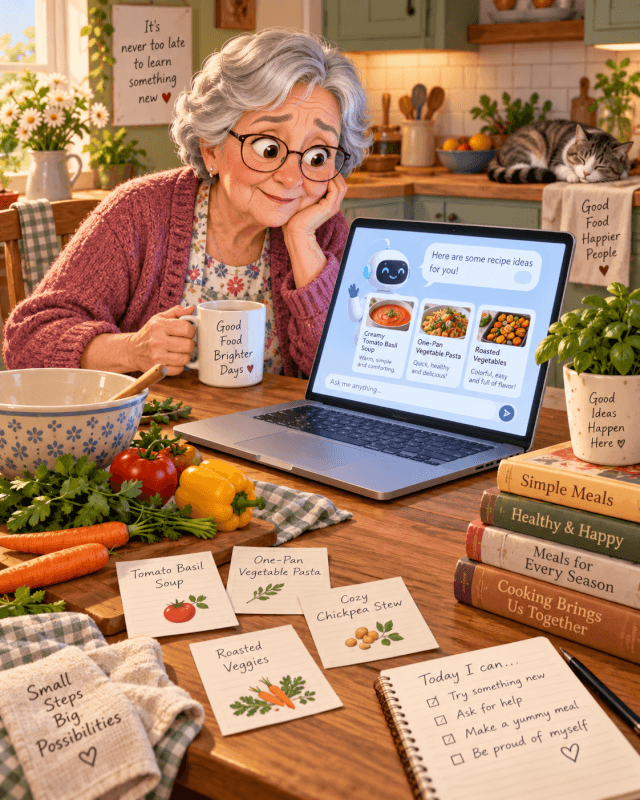
For example, ask ChatGPT to rewrite an email. You could ask it for dinner ideas using what is already in the fridge. Another easy place to begin is a packing list for an upcoming trip.
After that, try something more personal. Ask it to turn a memory about Grandpa’s old truck, a favorite recipe, or a family holiday into a short story for the grandkids.
That is where ChatGPT becomes less scary. It stops feeling like technology homework and starts feeling like a patient helper that does not roll its eyes when you ask the same question twice.
Grandma is not as “bad with technology” as people think
There is an old joke that Grandma cannot use anything more advanced than a microwave. That joke is getting stale.
Today’s grandmother may already use Facebook, FaceTime, online banking, grocery pickup, digital coupons, YouTube, smart TVs, prescription portals, and several family group chats that all make noise at the worst possible time.
She may not want to become a programmer. Fair enough. Most people do not. Still, she probably does want technology to be less bossy, less confusing, and more useful.
That is the sweet spot for ChatGPT. You type or speak a plain question, and it helps organize the answer.
Why AI can feel different from regular technology
A lot of technology makes people learn the machine’s language first. Menus, settings, passwords, updates, pop-ups, and tiny icons can make a simple task feel like a test.
ChatGPT works differently because the starting point is conversation. You can say what you need in normal words. Then, if the first answer is not quite right, you can ask for changes.
That back-and-forth is what makes it useful for beginners. You do not have to know the perfect command. You only have to explain what you are trying to do.
A simple Grandma-and-ChatGPT story
Picture this.
Grandma opens ChatGPT because her daughter said, “Mom, just try it.” She is suspicious. Plenty of things that start with “just try it” end with a password reset, a verification code, and a small emotional support snack.
So she starts with something safe:
Prompt to try:
“I have chicken, rice, frozen peas, and cream of mushroom soup. Give me an easy dinner idea for two people, and keep it simple.”
ChatGPT gives her a recipe. She asks for it with less salt. Then she asks if it can be made in one pan. A minute later, she asks for a grocery list for next time.
That is the moment it clicks. She is not learning “AI.” She is having a conversation with a tool that can help her think through ordinary life.
What makes this useful for families?
For adult children and grandkids, ChatGPT can be a bridge. Instead of saying, “You need to learn this app,” they can sit down together and try one useful question.
A recipe, a birthday card, or a vacation checklist is much less intimidating than a lecture about machine learning. It also gives Grandma a quick win, and quick wins matter when someone is already unsure.
Affiliate disclosure
This article contains affiliate links. As an Amazon Associate, TechnofluxAI may earn from qualifying purchases. That does not change the price you pay, and it does not mean every product is right for every person. Use your own judgment, read the product page carefully, and skip anything that does not fit your needs.
What can Grandma use ChatGPT for?
ChatGPT is useful when life gives you a messy thought and you need it turned into something clearer. That could be a recipe, a letter, a shopping list, a travel plan, or a family memory you do not want to lose.
The best part is that Grandma does not need to use it for everything. She only needs to find a few places where it makes her day easier.
Everyday ways ChatGPT can help
Recipes
Ask for meals based on ingredients already in the house. You can request low-salt, soft food, budget-friendly, diabetic-conscious, or easy-cleanup ideas. After that, ask ChatGPT to simplify the steps.
Travel planning
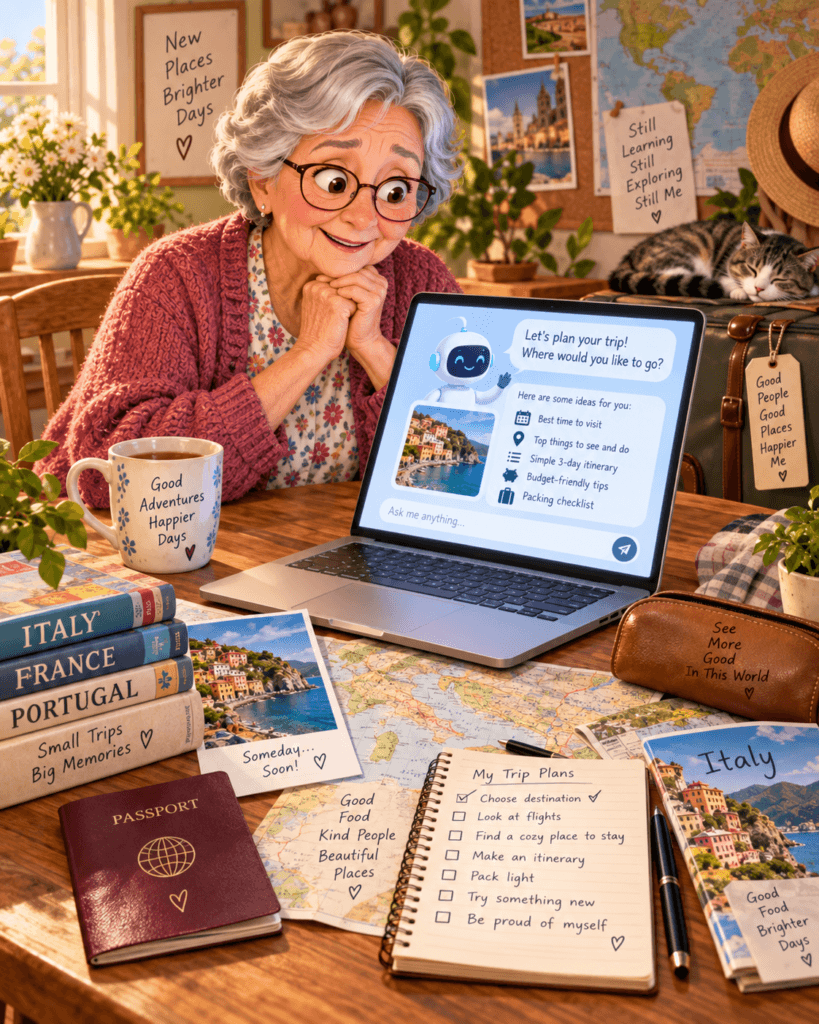
Use it for packing lists, road trip stops, mobility-friendly travel ideas, airport questions, hotel comparison checklists, and reminders about what to ask before booking.
Emails and letters
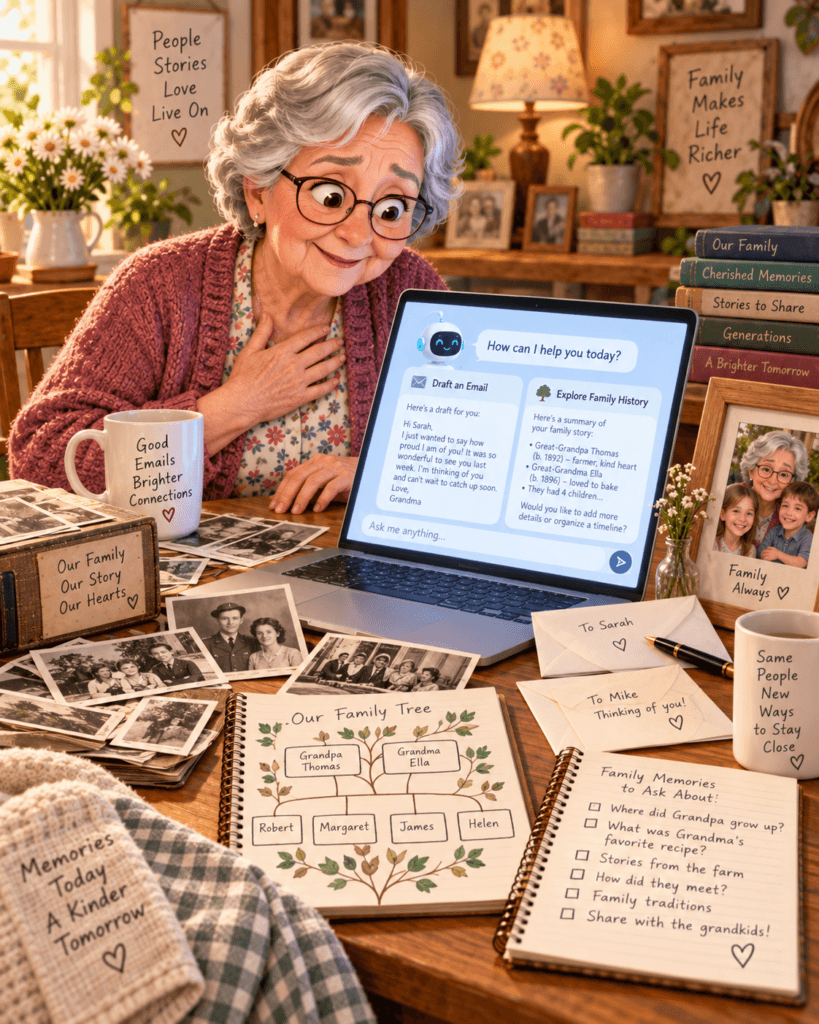
ChatGPT can help write thank-you notes, complaint letters, birthday messages, sympathy cards, appointment requests, and polite “no thank you” replies.
Family history
It can turn scattered memories into interview questions, family story outlines, reunion handouts, photo captions, or a timeline of important family events.
Beginner prompts Grandma can actually use
The best beginner prompts are not fancy. They sound like something you would say across the table.
For recipes
“Give me five easy dinner ideas for one person using eggs, bread, cheese, and canned tomatoes.”
“Make this recipe easier for someone who does not want to stand at the stove very long.”
“Turn this recipe into a grocery list organized by store section.”
For travel
“Make me a packing list for a four-day trip to visit family. I want comfortable shoes, and I do not want to overpack.”
“What questions should I ask a hotel before booking if stairs are difficult for me?”
“Plan a slow-paced day in Chicago with coffee, one museum, lunch, and plenty of rest breaks.”
For emails and letters
“Make this message sound polite but firm.”
“Help me write a thank-you note to my neighbor for bringing soup after my surgery.”
“Write a short email asking my doctor’s office to confirm my appointment time. Do not include private medical details.”
For shopping
“Compare what I should look for in a simple tablet for reading, video calls, and recipes.”
“Make a grocery list for three easy dinners and one breakfast casserole.”
“Before I buy a new phone, give me a checklist of questions to ask the salesperson.”
Can Grandma use ChatGPT for medical questions?
Yes, but carefully. ChatGPT can help explain general health terms, prepare questions for a doctor, organize symptoms into notes, or make a medication questions list.
However, it should not replace a doctor, pharmacist, nurse, emergency service, or licensed professional. That line is important.
Safe medical-related prompts
“Help me make a list of questions to ask my doctor about knee pain.”
“Explain what this common medical term means in plain English.”
“Help me organize these symptoms by when they started, but do not diagnose me.”
That last part matters. AI is better as a preparation tool than as a final medical authority. The safe rule is simple: use ChatGPT to get organized, then ask a real medical professional before making health decisions.
What about personal care?
This is one of the most underrated uses. ChatGPT can help build gentle routines without making a person feel like they are being scolded by a refrigerator with Wi-Fi.
For instance, Grandma could ask for a morning routine, a weekly cleaning plan, a reminder checklist before leaving the house, or a simple list of exercise questions to bring to a doctor or physical therapist.
Personal care prompts to try
“Make me a simple morning checklist that is not overwhelming.”
“Help me plan a light cleaning schedule for the week with one small task per day.”
“Create a checklist of things to bring to my next doctor appointment.”
Beginner-friendly affiliate pick
If you are helping an older family member get started, the best product is usually the one that makes technology easier to see, hear, hold, or understand. Bigger screens, clearer audio, simple controls, and fewer tiny menus can make a huge difference.
View beginner-friendly tech option on AmazonAffiliate link. Check the current price, reviews, return policy, and compatibility before buying.
How much does ChatGPT cost?
For many beginners, the free version is enough to start. That is good news because nobody should have to pay just to find out whether they like using AI.
Paid plans can give higher limits and access to more tools depending on what OpenAI currently offers. ChatGPT Plus has commonly been listed at $20 per month, but pricing and availability can change by country and over time.
Grandma does not need the fanciest plan on day one. Start free. Try recipes, letters, travel lists, shopping help, and family history prompts. Upgrade only when there is a real reason, not because the internet made it sound urgent.
A simple first-week plan for Grandma
Do not try to learn everything in one afternoon. That is how people end up annoyed, confused, and muttering about how paper calendars never did this to them.
A better plan is to use ChatGPT for one small task each day. By the end of the week, Grandma will have a better feel for what it can do and what she would rather keep doing the old-fashioned way.
Day 1
Ask ChatGPT for one recipe using food already in the house.
Day 2
Rewrite one email or text message to make it clearer.
Day 3
Make a grocery list or compare two household items before shopping.
Day 4
Ask for a family history question list and call someone who remembers the good stories.
A few more practice ideas
Once the first few prompts feel easy, add a couple more. Ask ChatGPT to help plan a birthday message, organize a recipe binder, create a simple budget conversation checklist, or explain a confusing tech word in plain English.
These are small tasks, but they build confidence. More importantly, they show that AI does not have to be cold, complicated, or only for younger people.
Mistakes beginners should avoid
The biggest mistake is treating ChatGPT like it is always right. It is helpful, but it can still misunderstand things, leave out details, or sound more confident than it should.
Do not put private information into ChatGPT unless you are comfortable sharing it. That includes Social Security numbers, full medical records, bank details, passwords, private family conflicts, or anything that would make you nervous if it appeared in the wrong place.
Also, do not let ChatGPT make big decisions for you. It can help you prepare. It can help you compare. Most of all, it can help you ask better questions. The final call still belongs to a person.
When to ask a person instead of AI
There are times when Grandma should close the laptop and call someone. Medical emergencies, financial decisions, legal problems, account security issues, and suspicious messages should not be handled by AI alone.
ChatGPT can help write down questions or organize notes. Still, the important decisions should go to the right person, such as a doctor, pharmacist, bank representative, attorney, trusted family member, or emergency service.
If you are more experienced, try these products
Once Grandma or anyone else in the family gets more comfortable with AI, it may be worth looking at better accessories, smarter devices, or tools that make everyday tech smoother.
This is for people who already know they will use the technology and want to go beyond the most basic setup.
See more experienced tech options on AmazonAffiliate link. Prices, availability, and product details can change, so check the Amazon listing before purchasing.
Useful ChatGPT prompts for older adults
These prompts are simple on purpose. Copy one, paste it into ChatGPT, and change the details to fit the situation.
“Explain this in plain English without talking down to me.”
“Give me a brief answer first, then details if I ask.”
“Make this easier to read for someone who does not like technical language.”
“Ask me three questions before you answer.”
“Give me a checklist I can print.”
“Turn this memory into a short story for my grandchildren.”
FAQ
Is ChatGPT hard for older adults to learn?
It can feel strange at first, but it is not hard once the person starts with normal daily tasks. The trick is to avoid teaching it like a computer class. Start with food, family, travel, letters, hobbies, or shopping.
Can ChatGPT write a letter for Grandma?
Yes. It can draft letters, emails, cards, complaints, invitations, thank-you notes, and family updates. The best results usually come when Grandma adds her own details afterward, so it still sounds like her.
Can ChatGPT help with family history?
Absolutely. It can create interview questions, organize memories, clean up rough notes, build a timeline, suggest photo captions, and turn old stories into readable keepsakes.
Should Grandma pay for ChatGPT?
Not at first. Start with the free version and see whether it becomes useful. A paid plan may make sense later if she uses it often, wants higher limits, or needs features included in a current paid plan.
Final thought
Grandma does not need to become a tech expert to use ChatGPT. She only needs a place to start.
That place might be tonight’s dinner, a birthday message, a trip to see the grandkids, a shopping list, or a family story she has told for years but never written down.
AI is not here to replace Grandma’s judgment, memories, taste, humor, or common sense. The good stuff still comes from her. ChatGPT just helps get it out of her head and onto the page.
TechnofluxAI takeaway
For older adults, the best AI lesson is not “here is how artificial intelligence works.” It is “here is how this can help you today.” Start small, keep it practical, and let confidence build one useful answer at a time.

About the Author
Jon Hicks
Founder of TechnofluxAI.
I’m the creator behind TechnofluxAI, focused on breaking down powerful AI tools, emerging trends, and practical strategies to help creators and entrepreneurs stay ahead in a rapidly evolving digital world.
Follow TechnofluxAI for the latest AI tools & strategies