

Discover the best AI automation tools in 2026 to save time, automate tasks, and boost productivity. Perfect for beginners and businesses.
? Looking for all AI tools?
? Explore our Ultimate AI Tools Directory
Founder Insight: I’ve been working with computers, software, and creative technology since the early days of personal computing and personally test many of the AI tools featured on TechnofluxAI before recommending them.
Best AI Tools for This Topic
If you want to get better results with AI, the easiest way is to start with a few simple tools that match your goal. Whether you are creating blog posts, making videos, building automations, or trying to make money online, the right AI tool can save hours of work.
- ChatGPT — Best for brainstorming, writing, outlines, prompts, and planning.
- Canva AI — Best for images, graphics, social media posts, and simple design.
- CapCut — Best for editing TikTok, YouTube Shorts, and social media videos.
- Leonardo AI — Best for AI images, thumbnails, characters, and visual content.
- Suno — Best for creating AI music, songs, and experimental audio projects.
Tip: Start with free plans first. Once a tool helps you save time or make better content, then consider upgrading.
Helpful AI Guides on TechnofluxAI
Want to keep learning? These guides can help you find more tools, make better content, and use AI in smarter ways:
- Explore more AI tools and tutorials on TechnofluxAI
- Best AI tools guides
- Make money with AI guides
- AI automation tutorials
Quick FAQ
What is the best AI tool for beginners?
ChatGPT is one of the easiest AI tools for beginners because it can help with ideas, writing, planning, research, prompts, and content creation.
Can I use AI tools for free?
Yes. Many AI tools offer free plans or free trials. Free plans are usually enough to test the tool before deciding if it is worth upgrading.
Can AI tools help me make money online?
Yes, AI tools can help with blogging, affiliate marketing, video creation, social media content, automation, research, and digital products. The tool does not make money by itself, but it can help you create and publish faster.
What should I do next?
Pick one AI tool, use it for one specific task, and build a repeatable workflow. Small wins stack up fast.
What Is AI Automation ?

? What do you want to automate?
? Content Automation
“Automatically generate and publish blog posts, videos, and social content”
? Workflow Automation
“Connect tools and automate tasks using AI workflows and integrations”
? Business Automation
“Automate emails, marketing, customer support, and operations with AI”
? Best AI Automation Tools & Workflows ⚙️
How AI Automation Tools Work
AI automation software use machine learning and predefined workflows to complete tasks automatically. For example, they can generate content, respond to messages, organize data, and streamline repetitive processes. As a result, users can save time and focus on higher-value work instead of manual tasks.
Benefits of AI Automation applications
AI automation programs help reduce workload, improve efficiency, and increase consistency. In addition, they allow beginners to use advanced technology without needing coding skills. Because of this, more people can build automated systems for content creation, marketing, and business operations.
Getting Started with Automation
Many beginners start exploring automation by looking for simple ways to save time on everyday tasks. Instead of focusing on one specific tool, it helps to understand how different platforms work together.
How Automation Tools Work Together
For example, you can connect apps, schedule actions, and build workflows that run in the background without constant input. Because of this, tasks that used to take hours can now be completed automatically.
Benefits for Beginners
As a result, even non-technical users can streamline repetitive work, reduce errors, and stay more organized. In addition, automation makes it easier to manage multiple tasks without feeling overwhelmed.
Building a Long-Term System
Over time, combining multiple solutions creates a system that runs smoothly and supports long-term growth. This approach allows you to scale your workflow and focus more on important tasks instead of manual work.
Latest in Automation
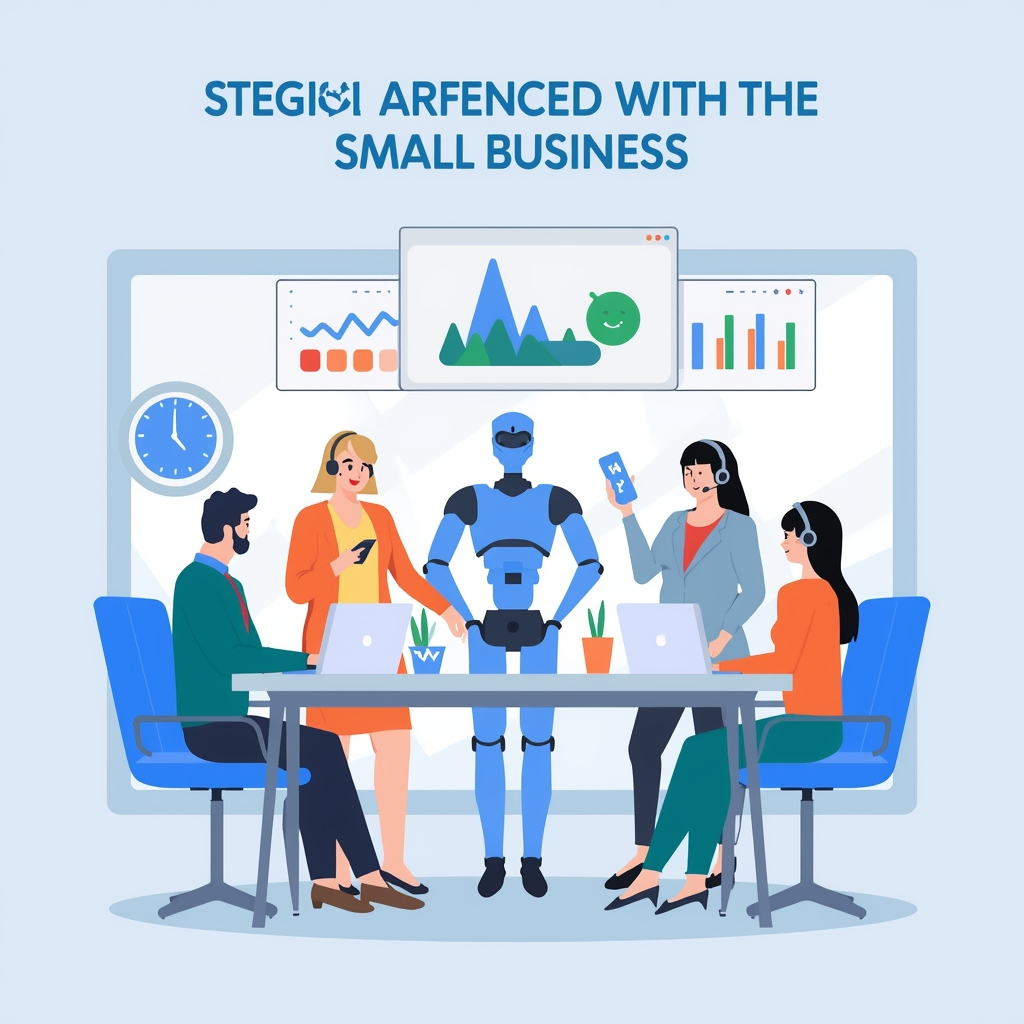
AI automation tools are software applications that use artificial intelligence to complete tasks automatically. They can handle things like content creation, data organization, customer support, and repetitive workflows without constant human input.
AI automation tools use machine learning and predefined workflows to perform tasks. For example, they can analyze data, generate responses, and trigger actions based on user input, making processes faster and more efficient.
Some of the best AI automation tools for beginners include platforms that are easy to use and require little to no coding. These tools often provide templates, simple interfaces, and built-in automation features to help users get started quickly.
Yes, AI automation tools can help generate income by streamlining tasks like content creation, marketing, and customer engagement. For example, they can automate blog writing, email campaigns, and social media posting, allowing users to scale their efforts more efficiently.
No, most AI automation tools are designed for beginners and come with user-friendly interfaces. In addition, many tools offer tutorials and pre-built workflows, making it easy to start using AI without advanced technical skills.

About the Author
Jon Hicks
Founder of TechnofluxAI.
I’m the creator behind TechnofluxAI, focused on breaking down powerful AI tools, emerging trends, and practical strategies to help creators and entrepreneurs stay ahead in a rapidly evolving digital world.
Follow TechnofluxAI for the latest AI tools & strategies