Best AI Tools for Content Creators
AI tools can help creators brainstorm ideas, write drafts, design graphics, edit video, organize research, and repurpose content.
The useful part is not collecting as many tools as possible. It is choosing a few that remove friction from the work you already do.
ChatGPT works well for writing and brainstorming, Canva for fast design, Midjourney for generated visuals, Runway for AI-assisted video, and Notion AI for organizing ideas and projects.
Why Creators Use AI Tools
Content creation usually involves much more than publishing the final post or video.
Creators may spend time on:
- Research
- Brainstorming
- Writing and editing
- Graphics and thumbnails
- Video production
- Content planning
- Repurposing
AI can help reduce some of the repetitive work, but the creator still decides what is worth making, what is accurate, and what fits the audience.
ChatGPT for Writing and Brainstorming
ChatGPT is a flexible option for creators who want help with words, ideas, planning, and problem solving.
You can use it for:
- Blog outlines
- Video script drafts
- Content ideas
- Email drafts
- Social captions
- Research organization
- Rewriting and editing
It works best when you give it clear context and then review the output instead of publishing the first response unchanged.
Canva for Design and Graphics
Canva is useful for creators who need visual content without a complicated design workflow.
It can help with:
- YouTube thumbnails
- Social graphics
- Blog images
- Presentations
- Background removal
- Template-based designs
Its biggest advantage is speed. You can start from a template and turn an idea into a usable graphic quickly.
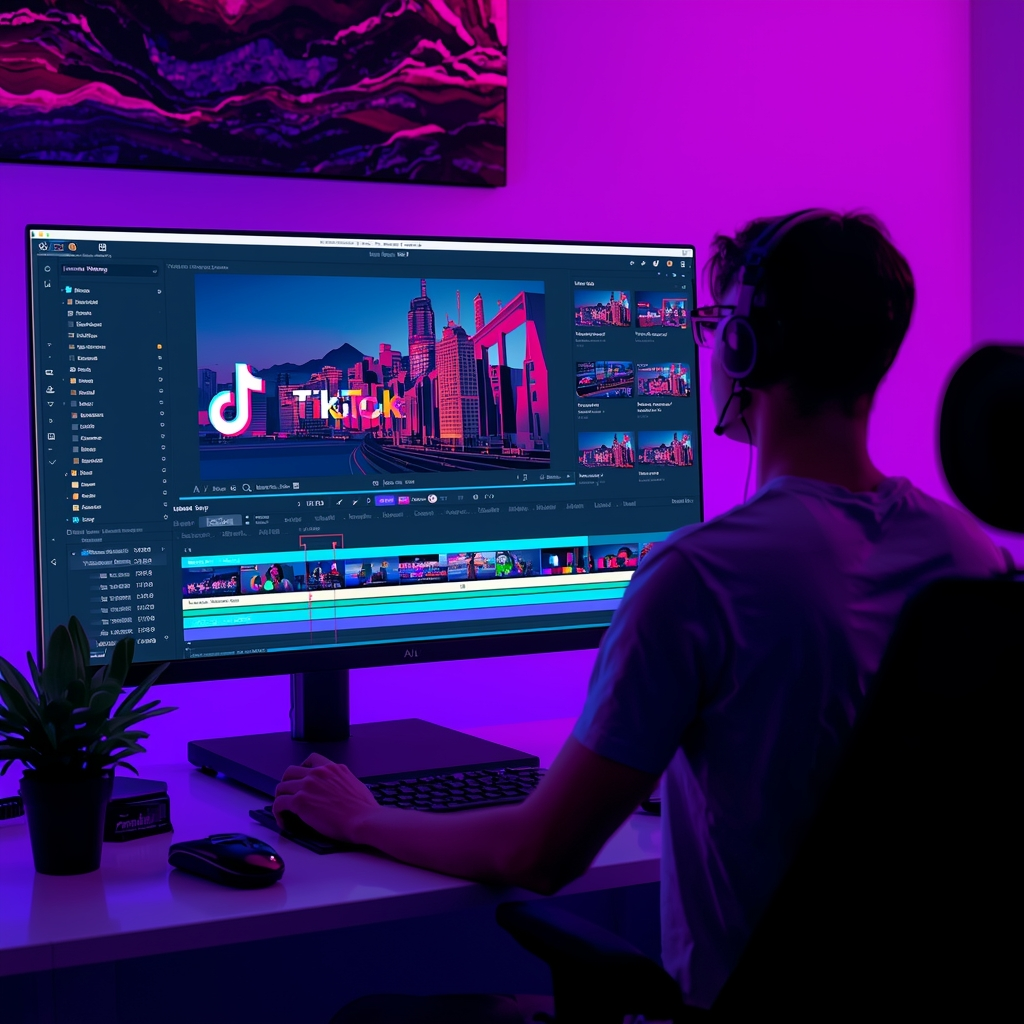
One Thing I have Learned while building TechnofluxAi is that Ai tools usually sound easier to use than they are in the real world. I like to try things myself, see where I get stuck, and figure out what actually saves time instead of just repeating promisies.That’s the approach I use throughout this site: keep what works, point out what doesn’t, and explain things in a way that makes sense for someone who is still learning. I started out searching for an image creator. That was my first interaction with Ai. I was frustrated by the vast tool list without any real direction on which tool was best. Then I realized how powerful this tool was .and was going to be in the future. Making mistakes has helped me in the choice of articles I write.
Midjourney for Custom Visuals
Midjourney is useful when you want custom generated artwork instead of a standard template.
Creators may use it for:
- Illustrations
- Thumbnail concepts
- Stylized scenes
- Backgrounds
- Visual brainstorming
The generated image can then be finished in another design tool with text, branding, and layout adjustments.
Runway for AI-Assisted Video
Runway focuses on AI-assisted video generation and editing.
Depending on the workflow, creators can use it for tasks such as:
- Generating video clips
- Editing footage
- Removing or replacing backgrounds
- Creating visual effects
- Experimenting with generated scenes
It can be useful for creators who want to experiment with AI video without relying entirely on traditional editing.
Notion AI for Planning and Organization
Notion AI fits a different part of the creator workflow.
Instead of focusing mainly on visuals or video, it can help organize:
- Research notes
- Content calendars
- Project plans
- Drafts
- Idea libraries
- Summaries
That makes it useful for creators who already manage their work inside Notion.
How Creators Can Use These Tools Together
You do not need every AI platform. A simple workflow is often easier to maintain.
- Use ChatGPT to brainstorm and outline.
- Create graphics in Canva or Midjourney.
- Edit or generate video elements with Runway.
- Organize the project in Notion.
- Review everything before publishing.
Use AI to Repurpose Content
Repurposing is one of the most practical ways creators can use AI.
A single useful article or video can become:
- A short video script
- A social media post
- A newsletter section
- A Pinterest concept
- A carousel outline
- A series of short captions
The goal is not to duplicate the same content everywhere. It is to adapt one strong idea for different formats and audiences.
Where AI Helps Most
AI is especially useful for repetitive or time-consuming parts of the creator workflow.
- Turning rough notes into an outline
- Generating multiple headline ideas
- Creating visual concepts
- Summarizing research
- Repurposing long-form content
- Cleaning up drafts
- Organizing projects
Where Human Input Still Matters
Speed alone does not make content useful.
Creators still need to provide:
- Original ideas
- Personal experience
- Judgment
- Taste
- Fact-checking
- Audience understanding
- A recognizable point of view
AI can help you get to a first draft faster, but it should not automatically make the final creative decisions for you.
Common Mistakes to Avoid
Using Too Many Tools
More tools can mean more subscriptions, more logins, and more time moving work between platforms.
Start with the smallest stack that solves your actual problems.
Publishing Raw AI Output
Review generated content for accuracy, repetition, weak examples, and generic wording before publishing it.
Letting AI Replace Your Voice
Creators become easier to replace when everything they publish sounds like everyone else.
Use AI to speed up production, then add your own examples, opinions, experience, and style.
FAQ
What AI tool should a beginner creator start with?
A general-purpose assistant such as ChatGPT is a practical place to start because it can help with ideas, writing, planning, and editing.
Do creators need multiple AI tools?
Not necessarily. Start with one or two tools and add another only when it solves a specific problem.
Can AI help with video creation?
Yes. AI tools can assist with scripts, captions, clips, voice, background removal, generated video, and editing.
Can AI replace content creators?
AI can automate parts of the workflow, but creators still provide the judgment, originality, experience, and creative direction behind the work.
Final Thoughts
The best AI tools for content creators are not necessarily the ones with the longest feature lists.
The useful tools are the ones that remove friction from your workflow without removing your voice from the finished work.
Choose one tool for writing or planning, one for visuals if you need it, and one for video or organization when the workflow justifies it. Build from there instead of collecting tools.

About the Author
Jon Hicks
Founder of TechnofluxAI.
I’m the creator behind TechnofluxAI, focused on breaking down powerful AI tools, emerging trends, and practical strategies to help creators and entrepreneurs stay ahead in a rapidly evolving digital world.
Follow TechnofluxAI for the latest AI tools & strategies