
Estimated reading time: 8 minutes
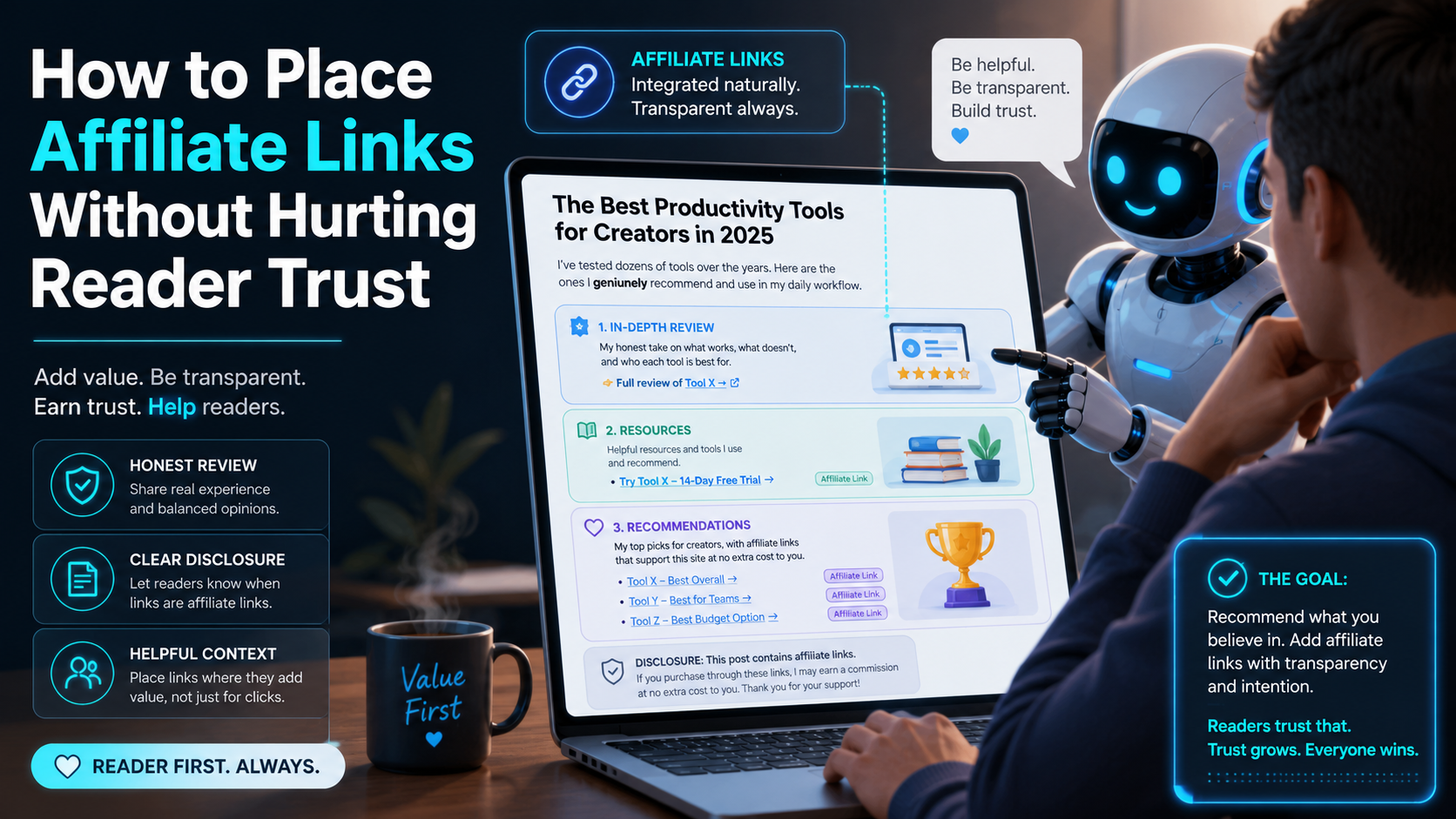
How to Place Affiliate Links Without Hurting Reader Trust
Affiliate links can help your blog earn money, but the way you place them matters. Readers do not usually hate affiliate links. They hate feeling tricked, rushed, or pushed toward a product that does not actually help them.
Quick Answer
Place affiliate links only where they naturally support the reader’s decision. Disclose them clearly before or near the link, explain why the product is recommended, avoid link stuffing, and mark sponsored/affiliate links properly for SEO.
Reader Pain Point
Many creators worry that affiliate links will make their content feel biased. The real problem is not monetization. The problem is unclear intent, weak recommendations, hidden disclosures, and too many links competing for attention.
What This Guide Will Help You Understand
You will learn where affiliate links belong, where they do not belong, how to write honest disclosures, how to keep product recommendations helpful, and how to structure your article so readers feel guided instead of sold to.
- How to place affiliate links inside helpful content naturally.
- How to disclose affiliate relationships without sounding awkward.
- How to avoid the trust-killing mistakes that make readers leave.
- How to keep your affiliate content SEO-friendly and beginner-friendly.
The Trust-First Rule for Affiliate Link Placement
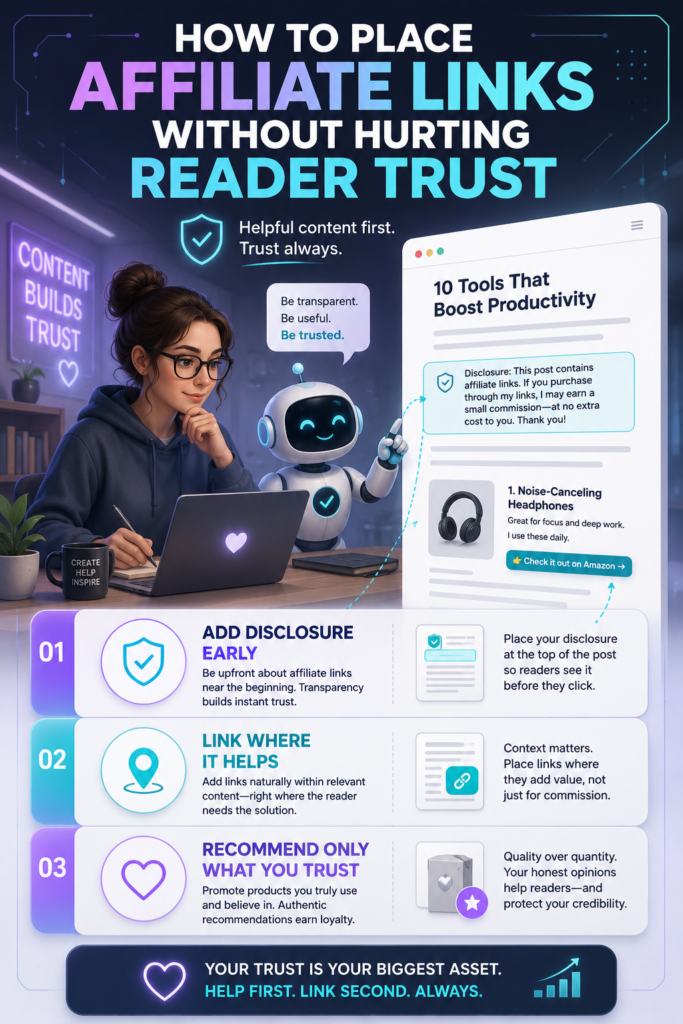
The best affiliate links feel like part of the solution. They appear after the reader understands the problem, sees the context, and knows why the recommendation makes sense. A bad affiliate link interrupts the article. A good affiliate link helps the reader take the next step.
Good Placement
A link appears after a useful explanation, comparison, tutorial step, product benefit, or honest recommendation.
Bad Placement
A link appears before the reader understands why it is useful, or the same link is repeated so often that the article feels like a sales page.
1. Put the Disclosure Before the Reader Clicks
Your affiliate disclosure should be easy to notice and easy to understand. Do not hide it in the footer, bury it at the end of the article, or make it so vague that readers have to guess what it means.
Simple Disclosure Examples
- Simple: This post contains affiliate links. If you buy through them, I may earn a commission at no extra cost to you.
- Near a recommendation: This is an affiliate link, which means I may earn a commission if you decide to purchase.
- Short link-level label: Paid link.
- Creator-friendly: I only recommend tools I believe are useful for this workflow. Some links may earn a commission.
2. Link After Value, Not Before Value
The cleanest affiliate link placement usually comes after you have taught something helpful. Readers are more likely to trust a recommendation when they can see the logic behind it.
Tutorial Article
Teach the step first. Then link the tool that helps complete that step faster or easier.
Product Review
Explain who the product is for, who should avoid it, and what tradeoffs matter before linking.
Comparison Post
Give readers a fair comparison table first. Then link to the best option for each use case.
3. Use Affiliate Links Where Buyer Intent Already Exists
Affiliate links work best in moments where the reader is already deciding what to use, buy, compare, or try. They work poorly when dropped into purely educational paragraphs with no decision point.
Best Places to Add Affiliate Links
- Product name mentions when you are clearly recommending or reviewing the product.
- Comparison tables where readers are evaluating options.
- Step-by-step workflows where a tool helps complete the task.
- Resource sections where you list recommended tools or templates.
- Callout boxes for your top recommendation, as long as the reasoning is clear.
4. Do Not Turn Every Product Mention Into a Link
Too many affiliate links can make the reader feel like every sentence has a hidden agenda. A strong article does not need to monetize every mention. Use links where they help the reader move forward.
Trust-Friendly
Link the main recommendation once in the comparison table, once in the review summary, and once in the final decision section.
Trust-Risky
Linking the same product in every paragraph, every image caption, every button, and every repeated brand mention.
5. Explain Why You Recommend the Product
A link without reasoning feels like an ad. A link with context feels like guidance. Tell readers what the product does well, what it does not do well, and who it is best for.
Recommendation Formula
I recommend [product] for [specific reader] because [specific benefit]. It may not be the best choice if [honest limitation].
Example: “I recommend this email platform for beginner bloggers because the templates are easy to use and the automation builder is not overwhelming. It may not be the best choice if you need advanced enterprise reporting.”
6. Use Buttons Carefully
Buttons can increase clicks, but they can also make content feel aggressive. Use buttons for clear decision moments, not random interruptions.
Good Button Copy
- View pricing
- See current deal
- Try the tool
- Check availability
Avoid Pushy Copy
- Buy now or regret it
- Secret deal expires soon
- Everyone needs this
- Guaranteed best choice
7. Mark Affiliate Links Properly for SEO
For SEO hygiene, affiliate links should generally use a sponsored link attribute. A common setup looks like this:
<a href="https://example.com/product" rel="sponsored nofollow">View the tool</a>This does not replace your visible disclosure. The link attribute is for search engines. The disclosure is for humans. You need both.
Affiliate Link Placement Workflow
- Write the helpful content first.
- Identify where the reader naturally makes a decision.
- Add the affiliate link near that decision point.
- Add a clear disclosure before or near the link.
- Explain why the recommendation fits the reader’s need.
- Use honest limitations to protect trust.
- Apply the proper sponsored link attribute.
- Review the page and remove any links that feel forced.
Advanced Tips for Affiliate Links That Feel Honest
Once the basics are in place, your goal is to make affiliate content feel like a trusted buying guide, not a disguised ad. The more specific and transparent your recommendation is, the safer it feels to the reader.
Use “Best For” Labels
Instead of saying one product is best for everyone, label each recommendation by use case: best for beginners, best budget option, best for teams, or best free plan.
Add a “Who Should Skip It” Note
Honest drawbacks build trust. Readers do not expect every product to be perfect. They want to know whether it is right for them.
Update Old Affiliate Content
Review old links, pricing notes, screenshots, product claims, and disclosures. Outdated affiliate content can damage trust fast.
Common Mistakes That Hurt Reader Trust
- Hiding the disclosure in the footer or on a separate policy page only.
- Using vague language like “partner link” without explaining that you may earn a commission.
- Recommending too many products without helping the reader choose.
- Only mentioning positives and pretending every tool is perfect.
- Using fake urgency when there is no real deadline or limited offer.
- Link stuffing every product mention instead of choosing natural decision points.
- Forgetting mobile readers by placing disclosures where they are easy to miss on small screens.
FAQ: Affiliate Link Placement and Reader Trust
Do affiliate links make readers trust me less?
Not automatically. Readers are usually fine with affiliate links when you disclose them clearly, recommend useful products, and avoid sounding like every paragraph is trying to sell something.
Where should I put my affiliate disclosure?
Put it where readers can see it before or near the affiliate link. A disclosure at the top of the article is helpful, but link-level clarity is even stronger when the recommendation appears deeper in the page.
How many affiliate links should I use in one article?
There is no perfect number. Use enough links to help the reader act, but remove any links that repeat the same offer without adding value. A few well-placed links are better than a page full of forced links.
Should affiliate links open in a new tab?
Many publishers choose to open affiliate links in a new tab so the reader does not lose the article. The more important trust factor is that the link is clearly labeled and relevant.
Do I still need a disclosure if I use rel=”sponsored”?
Yes. The sponsored attribute helps search engines understand the link relationship. A visible disclosure helps readers understand your financial relationship.
Final Takeaway
Affiliate links do not hurt reader trust when they are placed with honesty, context, and restraint. The goal is not to hide monetization. The goal is to make the recommendation so useful and transparent that the reader feels respected.
CTA: Build Affiliate Content Readers Actually Trust
Before publishing your next affiliate article, review every link and ask: does this help the reader make a better decision? If the answer is yes, keep it. If the answer is no, remove it.
TechnofluxAI
Practical AI for creators and website owners
Learn how to use AI, improve AI search visibility, build smarter workflows, and test what actually works.
Explore our other sites
TimewasterAI
— product reviews, buying guides, and useful finds.
Tina Trends
— fashion, beauty, pets, lifestyle, and fun discoveries.
Mistakenly Delicious
— simple recipes and practical cooking ideas.
Want more TechnofluxAI in Google?
Add TechnofluxAI as a Preferred Source to help Google show you more of our AI guides, tests, workflows, and research.