
Estimated reading time: 9 minutes
Hiring someone new should feel exciting, not like the beginning of a week-long paperwork marathon.
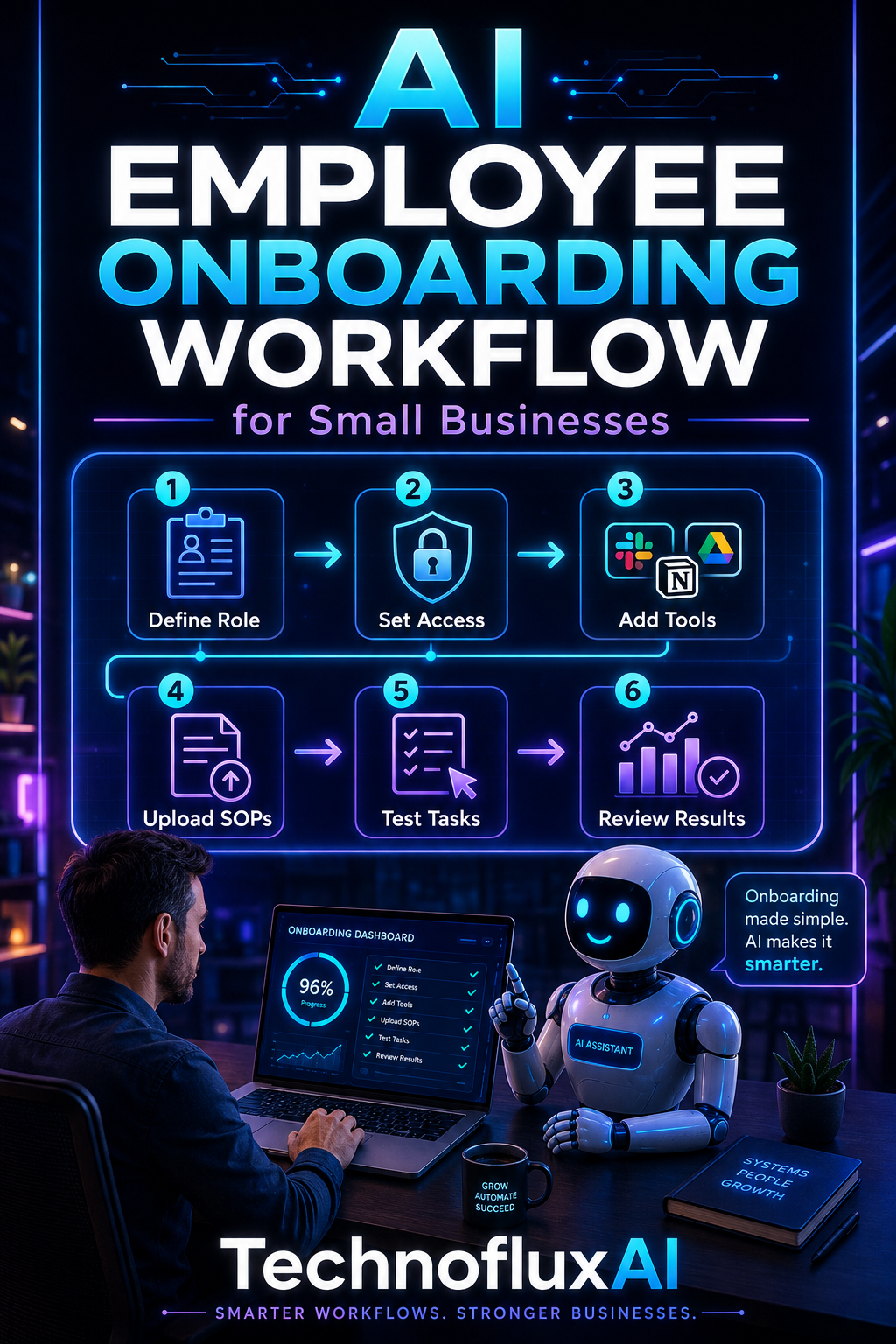
An AI employee onboarding workflow can help a small business organize repetitive onboarding tasks, deliver information consistently, and give new employees a clearer path through their first days on the job.
You do not need a huge HR department or an expensive enterprise system to get started. A practical workflow can combine the tools you already use with AI assistants, forms, shared documents, email automation, and task management.
Quick Answer
An AI employee onboarding workflow uses automation and AI to handle repeatable tasks such as welcome messages, document collection, training instructions, company FAQs, onboarding checklists, reminders, and progress follow-ups.
The goal is not to remove people from onboarding. It is to give managers more time for the conversations and training that actually need a human.
What Is an AI Employee Onboarding Workflow?
An AI onboarding workflow is a connected series of steps that moves a new employee from “hired” to “ready to work” with less manual administration.
For example, once a new employee is added to your onboarding system, a workflow could automatically:
- Send a personalized welcome email.
- Provide a first-day checklist.
- Share workplace policies and training materials.
- Create tasks for the employee and manager.
- Answer common onboarding questions through an AI assistant.
- Send reminders for unfinished tasks.
- Schedule follow-up messages.
- Collect feedback after the first week.
Each step can happen at the right time without someone manually copying the same information into emails every time a person is hired.
Why AI Onboarding Makes Sense for Small Businesses
Small businesses often have the same onboarding responsibilities as large companies but far fewer people available to manage them.
The owner, office manager, team leader, or operations person may be responsible for recruiting, paperwork, training, equipment, passwords, schedules, and dozens of other tasks.
Automation can take repetitive coordination off that person’s plate.
More Consistent Onboarding
Every new employee can receive the same essential information rather than depending on what a manager remembers to mention that day.
Fewer Repetitive Questions
A searchable knowledge base or carefully configured AI assistant can help employees find answers to common questions about procedures, tools, schedules, and company policies.
Less Administrative Work
Automated emails, checklists, reminders, and document-sharing workflows can reduce the number of small tasks managers need to handle manually.
A Better First Impression
A clear onboarding process tells a new employee that the business is organized and ready for them.
That matters whether you are hiring employee number three or employee number thirty.
A Simple AI Employee Onboarding Workflow
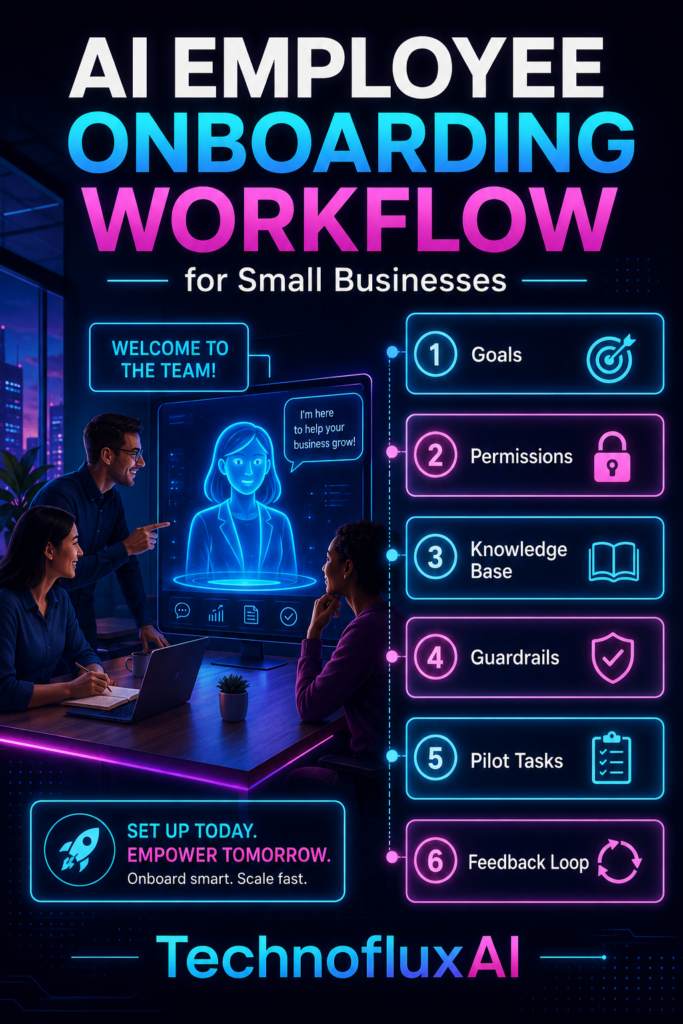
You can build an effective onboarding system in stages. Start with the repetitive parts of your current process and automate them one by one.
Step 1: Trigger the Onboarding Workflow
The workflow begins when a new hire is officially added to your system.
The trigger might be:
- A completed onboarding form.
- A new employee added to your HR system.
- A new row added to a spreadsheet.
- A status changed to “Hired” in a project management tool.
- A manager submitting an internal onboarding form.
That trigger can start the rest of the onboarding sequence automatically.
Step 2: Send a Personalized Welcome Message
The employee can immediately receive a welcome message containing important details such as their start date, first-day schedule, contact person, workplace location, remote login information, and anything they need to bring.
AI can help personalize these messages based on role, department, location, or employment type while still using an approved company template.
Step 3: Create the Employee Onboarding Checklist
A checklist gives the employee and manager one place to see what still needs to happen.
A typical checklist might include:
- Complete required employment documents.
- Review company policies.
- Set up work accounts.
- Receive equipment.
- Complete security training.
- Meet the team.
- Review role responsibilities.
- Complete initial job training.
- Schedule the first manager check-in.
Tasks can automatically receive deadlines based on the employee’s start date.
Step 4: Deliver Training and Company Information
Instead of sending a new hire a giant folder of documents, organize onboarding information into smaller sections.
For example:
- Day-one essentials.
- Company overview.
- Policies and procedures.
- Software tutorials.
- Role-specific training.
- Security practices.
- Customer service standards.
- Frequently asked questions.
AI can also turn existing documents into shorter summaries, training outlines, quizzes, and searchable reference material.
Step 5: Create an AI Onboarding Assistant
A small business can create an internal AI assistant that answers questions using approved company information.
An employee might ask:
- “How do I request time off?”
- “Where is the expense form?”
- “Who approves customer refunds?”
- “What is our process for handling a new sales lead?”
- “Where can I find the brand guidelines?”
A good internal assistant can point employees toward the correct policy or resource without requiring a manager to answer the same basic question repeatedly.
Step 6: Automate Check-Ins and Reminders
The onboarding process should not end after the first morning.
Automated workflows can schedule useful checkpoints such as:
- End of day one.
- End of the first week.
- After 30 days.
- After 60 days.
- After 90 days.
These checkpoints can remind managers to talk with the employee about progress, questions, training needs, goals, and any obstacles that need attention.
Step 7: Collect Feedback
New employees often notice confusing parts of a process that longtime team members no longer see.
A short automated survey can ask what was clear, what was confusing, and what information would have made onboarding easier.
That feedback can help improve the workflow for the next hire.
What Should AI Handle During Employee Onboarding?
AI works especially well when it supports repeatable, information-heavy tasks.
Useful applications include:
- Drafting personalized onboarding messages from approved templates.
- Summarizing training documents.
- Creating role-specific onboarding checklists.
- Generating training questions and knowledge checks.
- Organizing frequently asked questions.
- Searching internal documentation.
- Sending routine reminders.
- Creating manager check-in prompts.
- Summarizing onboarding feedback.
What Should Stay Human?
The strongest AI onboarding system still leaves important decisions and relationships in human hands.
Managers should remain directly involved in areas such as:
- Welcoming the employee personally.
- Explaining expectations.
- Providing job-specific coaching.
- Answering sensitive questions.
- Giving performance feedback.
- Handling workplace concerns.
- Making employment decisions.
- Building relationships with the new team member.
Think of AI as the coordination layer around onboarding rather than the replacement for a manager.
Protect Employee Information
Employee onboarding can involve personal and confidential information, so businesses should be deliberate about what information enters an AI system.
Use approved tools and access controls, and keep sensitive employee information out of general-purpose AI prompts unless the system and company policies specifically allow that use.
Payroll details, identity documents, health information, banking information, passwords, Social Security numbers, and other sensitive records should be handled through the appropriate secure business systems.
Start With One Workflow
You do not have to automate the entire onboarding process at once.
A simple first version could look like this:
- A manager submits a new-hire form.
- The employee receives a welcome email.
- An onboarding checklist is created automatically.
- Training documents are shared.
- The employee receives access to an onboarding FAQ or knowledge base.
- Reminders are sent for incomplete tasks.
- The manager receives a first-week check-in reminder.
- The employee receives an onboarding feedback survey.
Once that process works reliably, additional automation can be added where it saves meaningful time.
AI Employee Onboarding Workflow Example
Imagine a small marketing agency hires a new content specialist.
The agency’s onboarding form triggers a workflow that sends the employee a welcome email, creates an onboarding project, assigns training tasks, shares the company style guide, and provides access to an internal AI assistant trained on approved procedures.
During the first week, the employee can quickly find answers about content approvals, project naming conventions, meeting schedules, and client workflows.
Meanwhile, the manager receives reminders for the tasks that actually require personal involvement: introductions, coaching, role expectations, and feedback.
That is where AI onboarding becomes useful. The technology handles routine coordination while the people focus on helping the new employee succeed.
Frequently Asked Questions
Can small businesses use AI for employee onboarding?
Yes. Small businesses can start with simple tools such as forms, email automation, task management software, shared documentation, and an AI assistant. A large HR technology stack is not required.
Can AI completely automate onboarding?
Many administrative steps can be automated, but human involvement remains important for training, relationship building, feedback, sensitive discussions, and employment decisions.
What is the easiest onboarding task to automate first?
Welcome emails, onboarding checklists, document delivery, routine reminders, and first-week follow-ups are often straightforward places to begin.
Can an AI assistant answer employee questions?
Yes. An AI assistant connected to approved company documentation can help employees locate policies, procedures, training information, and internal resources more quickly.
Does AI onboarding work for remote employees?
Yes. Automated onboarding can be especially useful for remote teams because documents, instructions, training resources, account setup steps, and check-ins can be organized into a consistent digital workflow.
Final Takeaway
An AI employee onboarding workflow for small businesses does not need to be complicated.
Start by automating repetitive coordination: welcome messages, checklists, training delivery, FAQs, reminders, and follow-ups.
Then keep the human parts human.
The result is a more organized onboarding experience for employees and more time for owners and managers to focus on training, communication, and building a strong team.