
Estimated reading time: 7 minutes
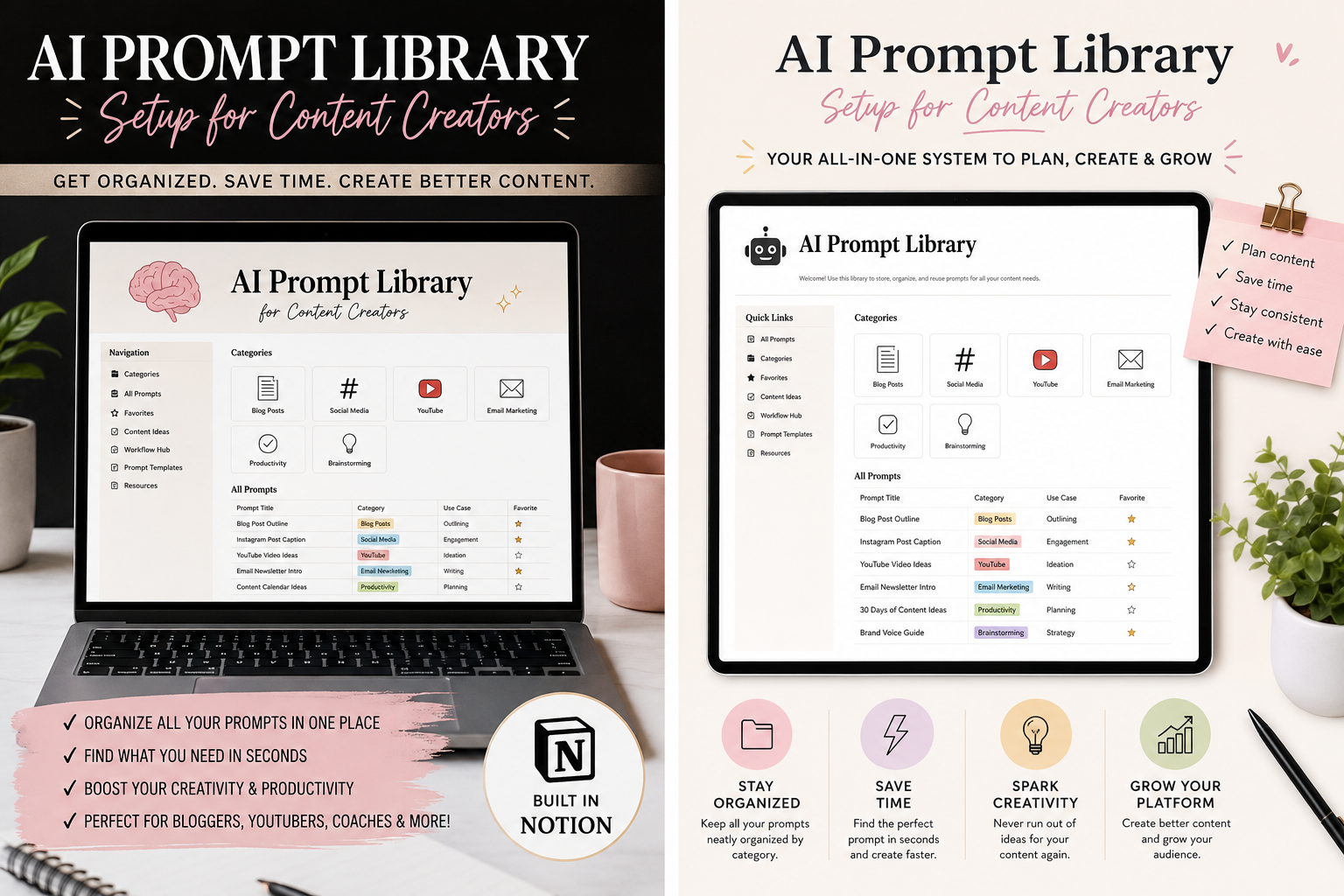
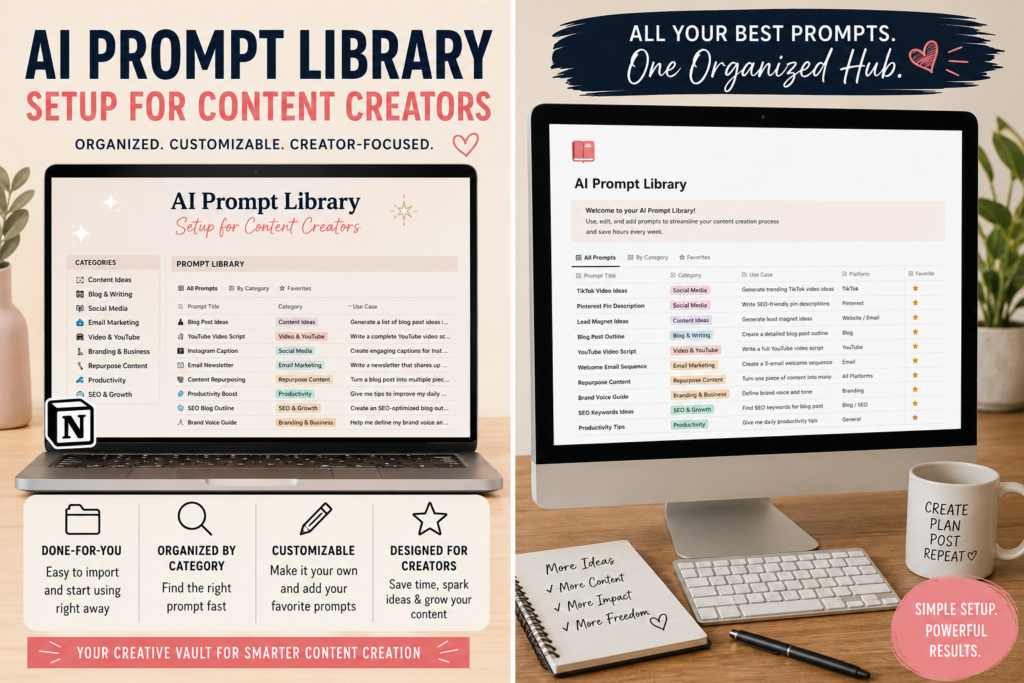
AI Prompt Library Setup for Content Creators
A strong AI prompt library turns random prompting into a repeatable content system. Instead of rewriting the same instructions every time, you create reusable prompts for blogs, videos, captions, emails, research, repurposing, and brand voice.
Quick Answer
Create folders by content type, save your best prompts as templates, include examples, tag prompts by goal, and review the library weekly so it stays useful instead of becoming a messy prompt dump.
The Creator Pain Point
Most creators do not have a prompt problem. They have a system problem. They find one good prompt, use it once, lose it, then start from scratch again next week.
What You’ll Learn
You’ll learn how to build a beginner-friendly prompt library that supports your content calendar, protects your brand voice, speeds up production, and improves your AI results over time.
Soft CTA: After setting up your prompt library, connect it to your content calendar. Suggested internal link: “How to Build an AI Content Workflow for Beginners.”
Why Content Creators Need an AI Prompt Library
AI becomes more useful when your instructions become consistent. A prompt library gives you a reusable system for the work you do repeatedly: planning content, writing hooks, outlining posts, improving drafts, creating video scripts, repurposing long-form content, and building social media captions.
Without a library, every AI session starts cold. With a library, every session starts with your preferred structure, tone, audience, examples, and output format already included.
Before
You ask AI for help, get inconsistent results, rewrite instructions every time, and waste energy fixing tone, format, and structure.
After
You open the right prompt, paste your topic or notes, and get a cleaner draft that already matches your content style.
Step 1: Choose Where Your Prompt Library Will Live
Your prompt library does not need to be complicated. The best tool is the one you will actually open while creating content.
Notion
Best for creators who want databases, tags, examples, and a clean dashboard.
Google Docs
Best for simple storage, easy searching, and fast copy-paste workflows.
A Spreadsheet
Best for tagging prompts by goal, platform, status, and performance.
Notes App
Best for beginners who want the fastest possible setup with no learning curve.
Creator Rule
Do not build the most impressive prompt library. Build the one you can use while tired, busy, and trying to publish before the day ends.
Step 2: Create Your Core Prompt Categories
Organize prompts by the job they perform, not by random topic. This makes your library faster to search and easier to expand.
Content Planning
Idea generation, topic clusters, content calendars, audience questions, and keyword angles.
Writing & Drafting
Blog intros, outlines, newsletters, captions, scripts, product descriptions, and landing page sections.
Editing & Polishing
Tone adjustment, clarity improvements, shorter versions, stronger hooks, and beginner-friendly rewrites.
Repurposing
Turn blog posts into social posts, videos into newsletters, podcasts into clips, and tutorials into carousels.
SEO & GEO
Search titles, meta descriptions, FAQ sections, answer snippets, and AI-search-friendly summaries.
Brand Voice
Tone rules, audience notes, words to use, words to avoid, examples of your best writing, and formatting preferences.
Step 3: Use a Simple Prompt Template
A reusable prompt should include more than a command. It should give AI context, role, audience, task, format, constraints, and examples.
Reusable Prompt Template
Role:
Act as a [type of expert].

Context:
I create content for [audience] about [topic/niche].

Task:
Help me create [specific content asset].

Inputs:
Here are my notes, topic, or draft:
[paste input]

Style:
Use a tone that is [clear, helpful, direct, friendly, etc.].

Format:
Return the answer as [outline, table, post, script, checklist, HTML section, etc.].

Constraints:
Avoid [things to avoid]. Include [must-have details].

Quality Check:
Before finalizing, improve clarity, remove filler, and make the output useful for beginners.
Step 4: Save Prompts With Examples
The most useful prompt libraries include examples. A prompt without an example can still work, but a prompt with an example teaches AI what “good” looks like for your brand.
Example Prompt Entry
Prompt Name: YouTube Shorts Hook Generator
Best For: Turning a blog topic into short-form video hooks
Prompt: “Give me 10 YouTube Shorts hooks for this topic. Make them curiosity-driven, beginner-friendly, and under 12 words. Avoid fake hype.”
Example Input: “How to set up an AI prompt library for content creators.”
Step 5: Tag Prompts by Outcome
Tags help you find the right prompt quickly. Use practical tags based on what you are trying to produce.
Step 6: Build a Weekly Prompt Review Habit
Your prompt library should improve as you create. Once a week, review what worked, delete weak prompts, rename confusing ones, and save new prompts that produced strong results.
Weekly Checklist
- Save any prompt that produced a strong output.
- Delete prompts you never use.
- Rewrite prompts that need too much fixing.
- Add examples to your best prompts.
- Tag prompts by platform and content type.
- Create a “favorites” section for your top 10 prompts.
Advanced Prompt Library Tips for Creators
Once your basic library is working, the next step is turning it into a real content operating system. This means connecting prompts to your publishing process, brand voice, and performance feedback.
Create Prompt Chains
Use one prompt for research, one for outlining, one for drafting, one for editing, and one for repurposing. This gives better results than asking AI to do everything at once.
Save Brand Voice Prompts
Keep a prompt that explains your tone, audience, values, formatting style, and words to avoid. Use it before drafting important content.
Score Your Prompts
Add a simple rating from 1 to 5. Your highest-rated prompts become your default workflow. Weak prompts get rewritten or removed.
Common Mistakes to Avoid
Mistake 1: Saving Too Many Prompts
A library with 300 unused prompts is not a system. Start with 20 useful prompts and expand only when needed.
Mistake 2: Not Naming Prompts Clearly
Names like “Good Prompt 4” will slow you down. Use names like “Blog Intro Generator” or “Instagram Caption Repurposer.”
Mistake 3: Using Generic Prompts Forever
Generic prompts are fine at the start, but your best prompts should include your niche, audience, offer, tone, and preferred format.
Mistake 4: Forgetting to Add Inputs
AI performs better when you give it raw material. Add notes, examples, audience details, product info, or past content before asking for a polished output.
FAQ: AI Prompt Library Setup for Content Creators
What is an AI prompt library?
An AI prompt library is a saved collection of reusable prompts organized by task, platform, content type, or workflow. It helps creators get more consistent results from AI tools.
How many prompts should I start with?
Start with 10 to 20 prompts. Focus on the tasks you repeat every week, such as content ideas, outlines, hooks, captions, editing, and repurposing.
Where should I store my prompt library?
Notion, Google Docs, spreadsheets, and notes apps all work. Choose the tool you already use during content creation so the library becomes part of your normal workflow.
Should I use the same prompt for every platform?
No. A blog post prompt, TikTok prompt, YouTube script prompt, and LinkedIn post prompt should have different structures because each platform rewards different formats.
How often should I update my prompt library?
Review it weekly or after major content projects. Save prompts that worked, improve prompts that needed too much editing, and remove anything you no longer use.
Final Takeaway
A prompt library is not just a folder of AI commands. It is a creator system. When you organize prompts around real content tasks, add examples, tag them clearly, and review them often, AI becomes faster, more consistent, and much easier to use.
CTA Block
Want a faster AI content workflow? Start by creating your first five reusable prompts today: one for ideas, one for outlines, one for drafting, one for editing, and one for repurposing.
TechnofluxAI
Practical AI for creators and website owners
Learn how to use AI, improve AI search visibility, build smarter workflows, and test what actually works.
Explore our other sites
TimewasterAI
— product reviews, buying guides, and useful finds.
Tina Trends
— fashion, beauty, pets, lifestyle, and fun discoveries.
Mistakenly Delicious
— simple recipes and practical cooking ideas.
Want more TechnofluxAI in Google?
Add TechnofluxAI as a Preferred Source to help Google show you more of our AI guides, tests, workflows, and research.